December 25, 2025
Share
Copied
Simple can be harder than complex. You have to work hard to get your thinking clean to make it simple.
—— Steve Jobs
One-Step Customization
As our design templates and customization features continued to evolve, we realized that while they offered greater flexibility and creative freedom, they still came with a learning curve for users. This led us to make a clear decision: to merge the two into a single, unified workflow.
One-Step Customization is more than just a simple merge. We’ve introduced an entirely new interaction model that is easier to use, easier to understand, and still preserves the flexibility users value. That’s what One-Step Customization is all about—and we hope it brings you many delightful surprises.
Video Demo
All you need to do is select a layer in the design template and mark it as customizable. The AI will then analyze the most suitable components and automatically connect them together. Once it’s done, simply click the Preview button to see the result—it’s that easy.
New Languages and Currencies Added to Product Base
In Product Base, you can select the language for your product content and the currency for pricing. This is useful when your store serves customers in different countries.
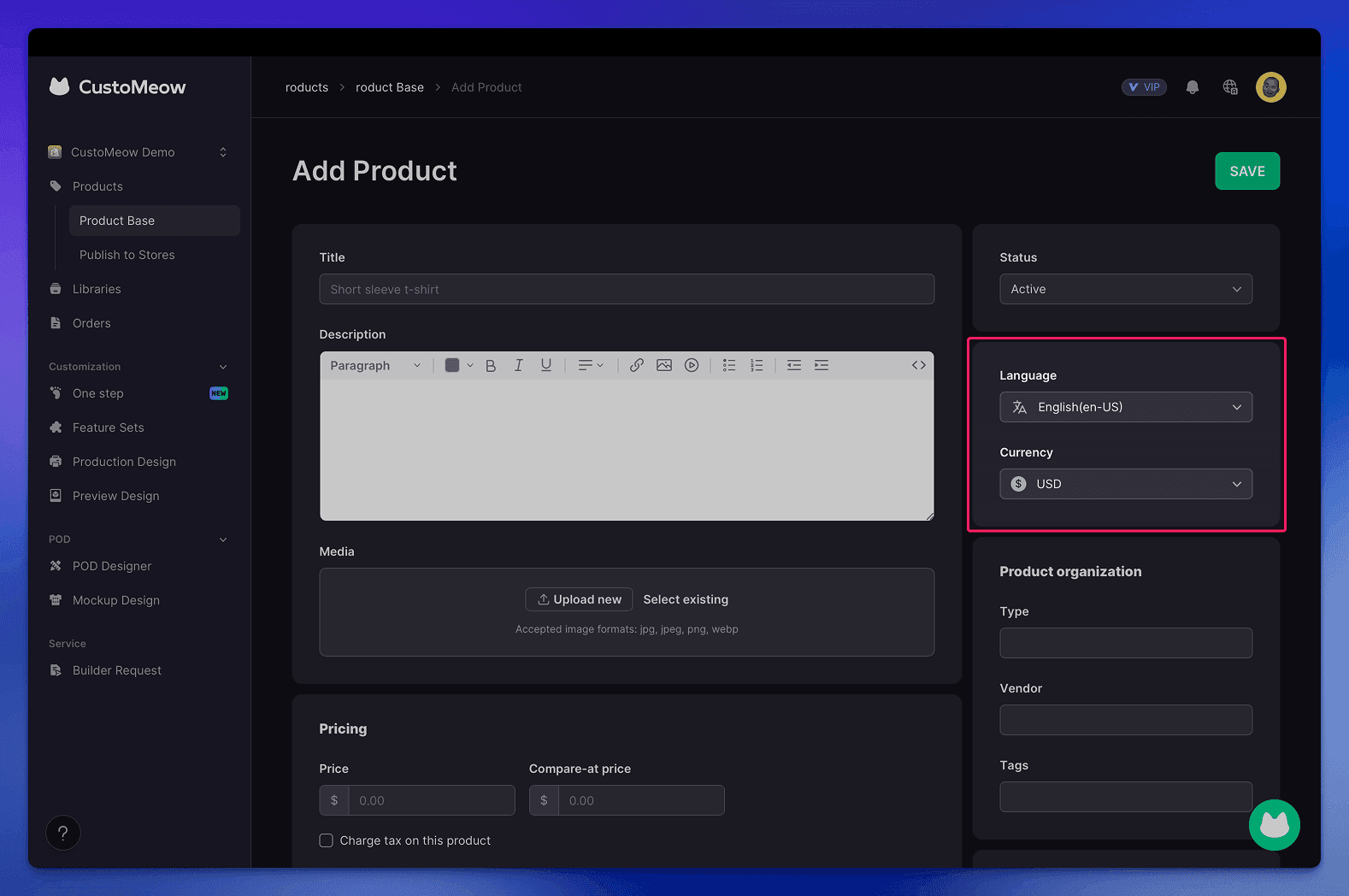
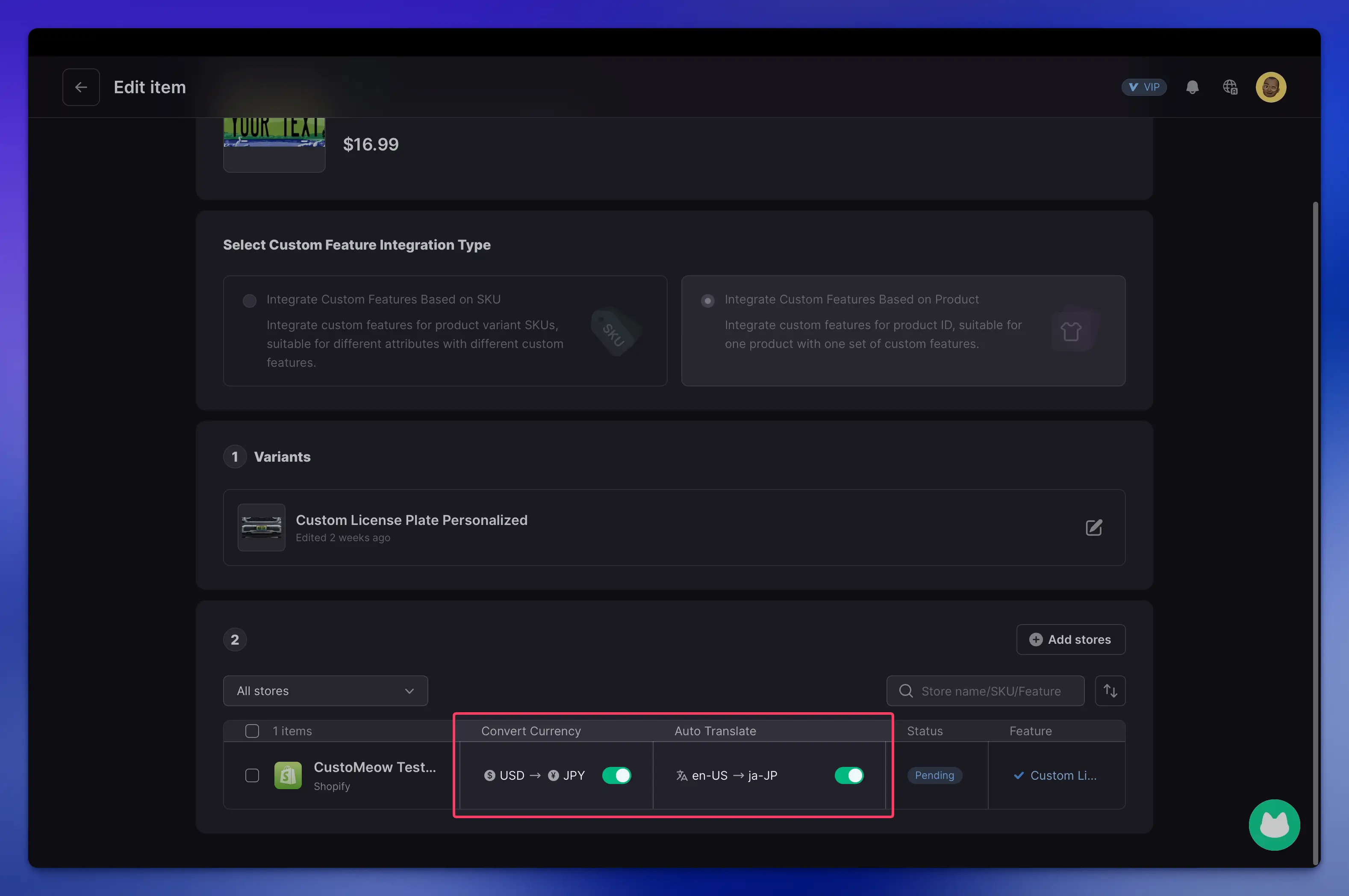
Language and currency will be automatically converted during publishing if they don’t match the target store.
New Updates to the Photo Upload Component
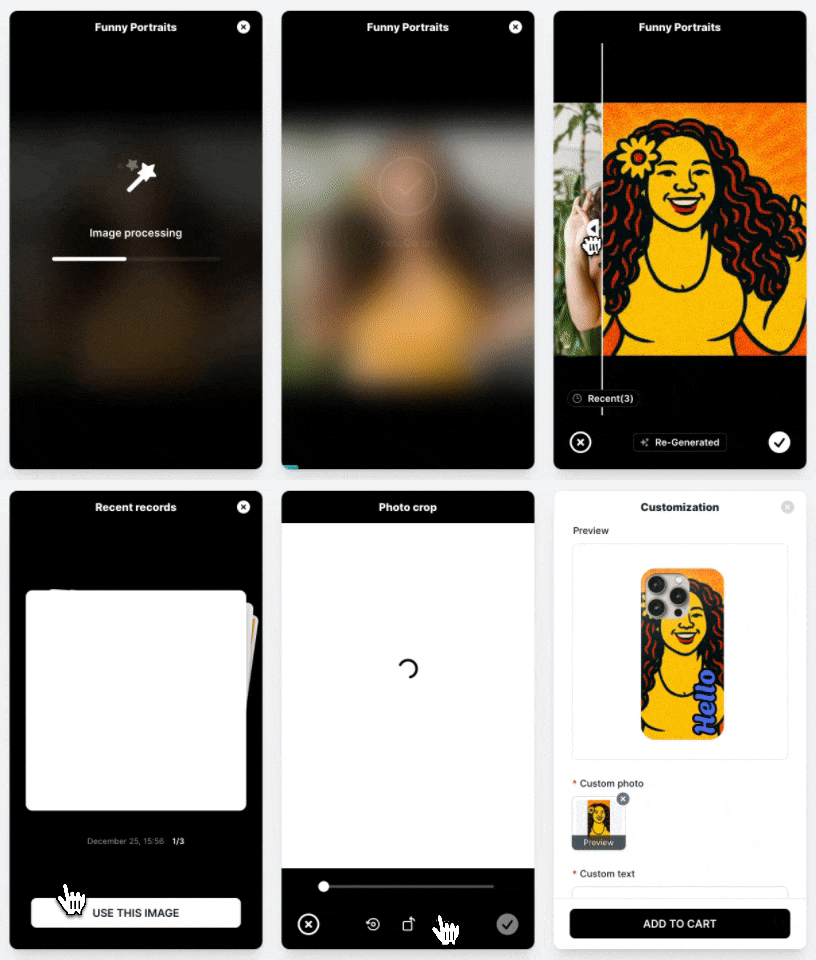
Before-and-After Image Comparison & Image Generation History
Added Image Generation Limit Settings
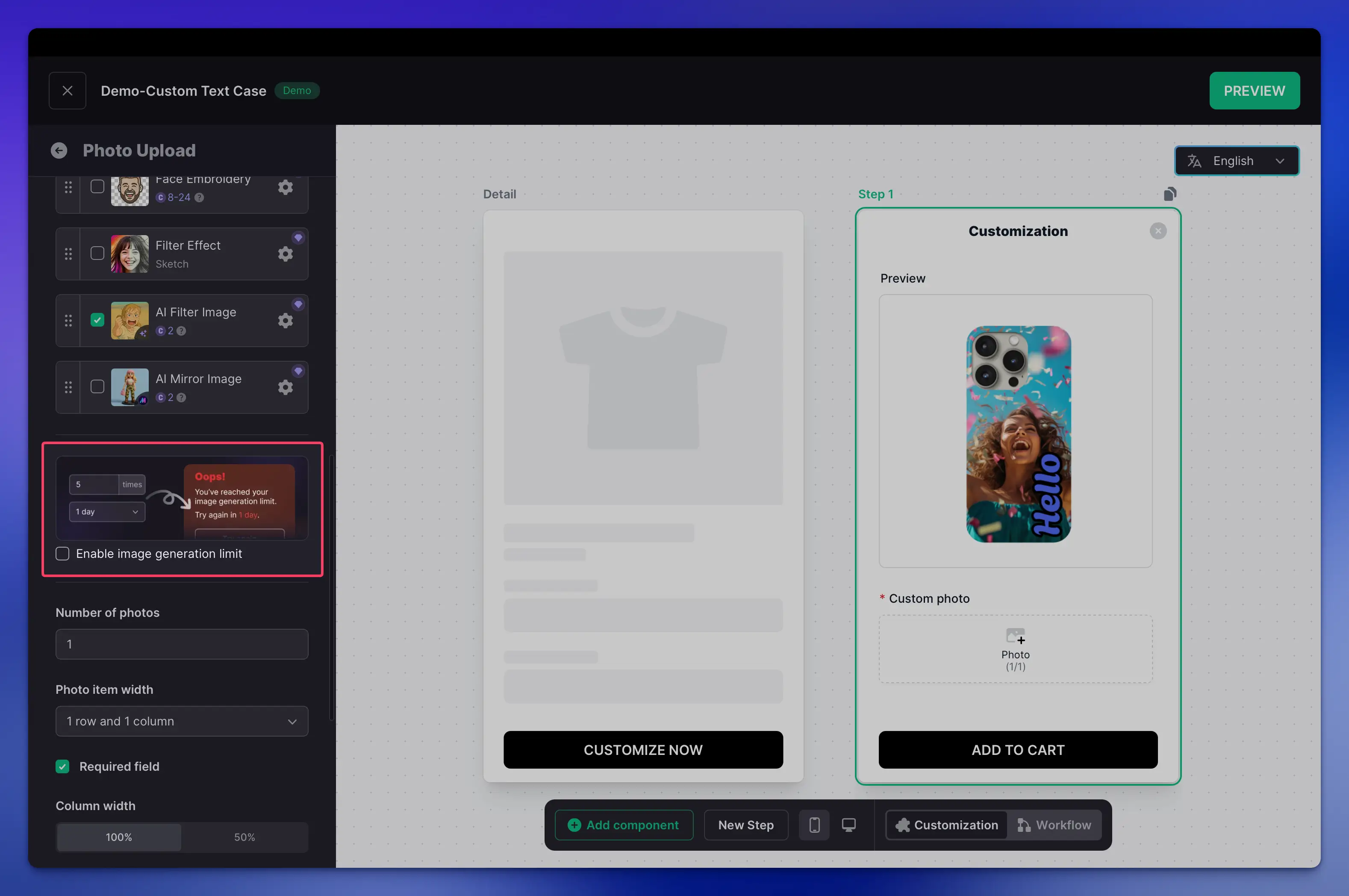
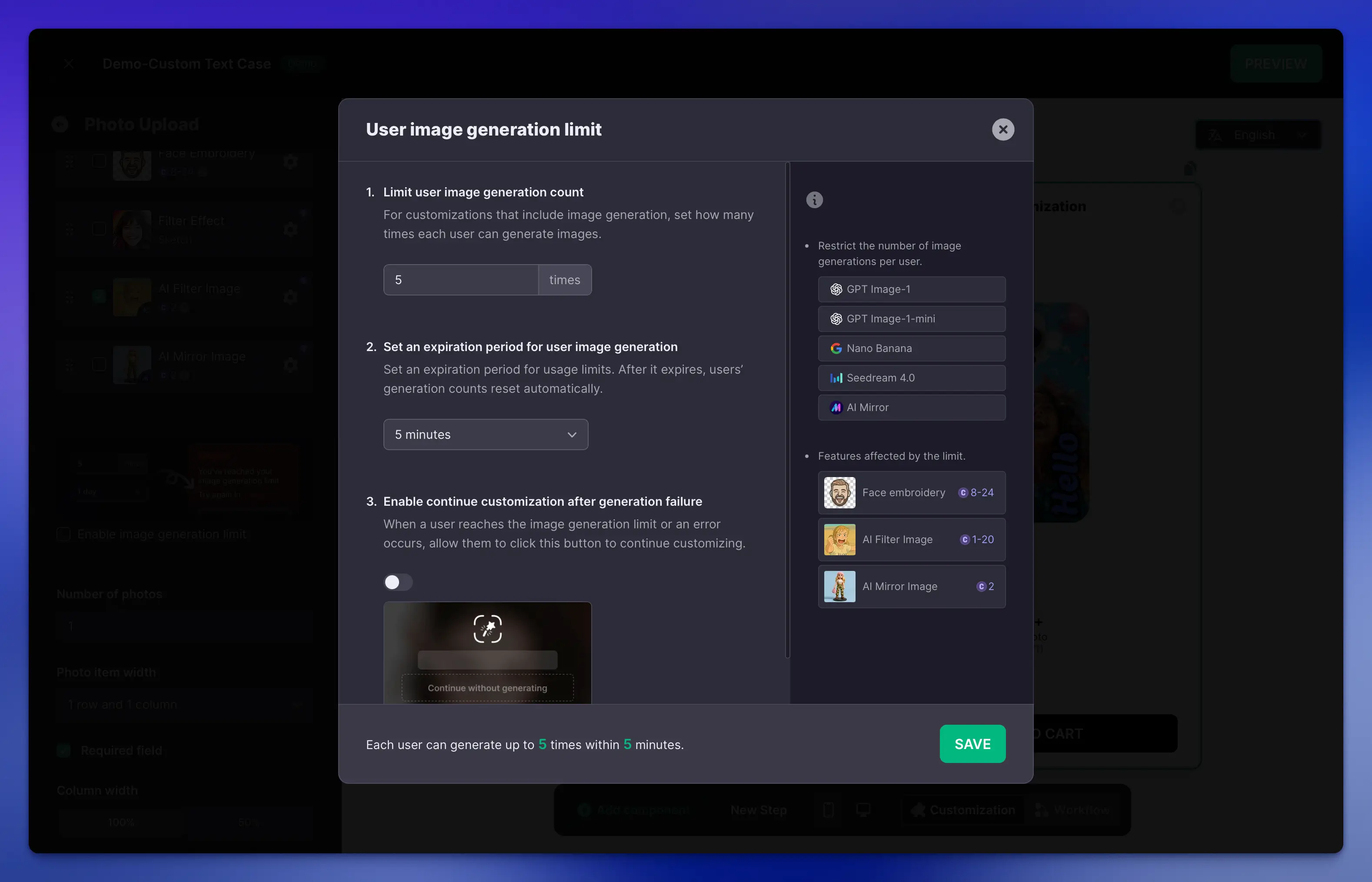
Limit how many times users can generate images after uploading, and set how long the limit applies.
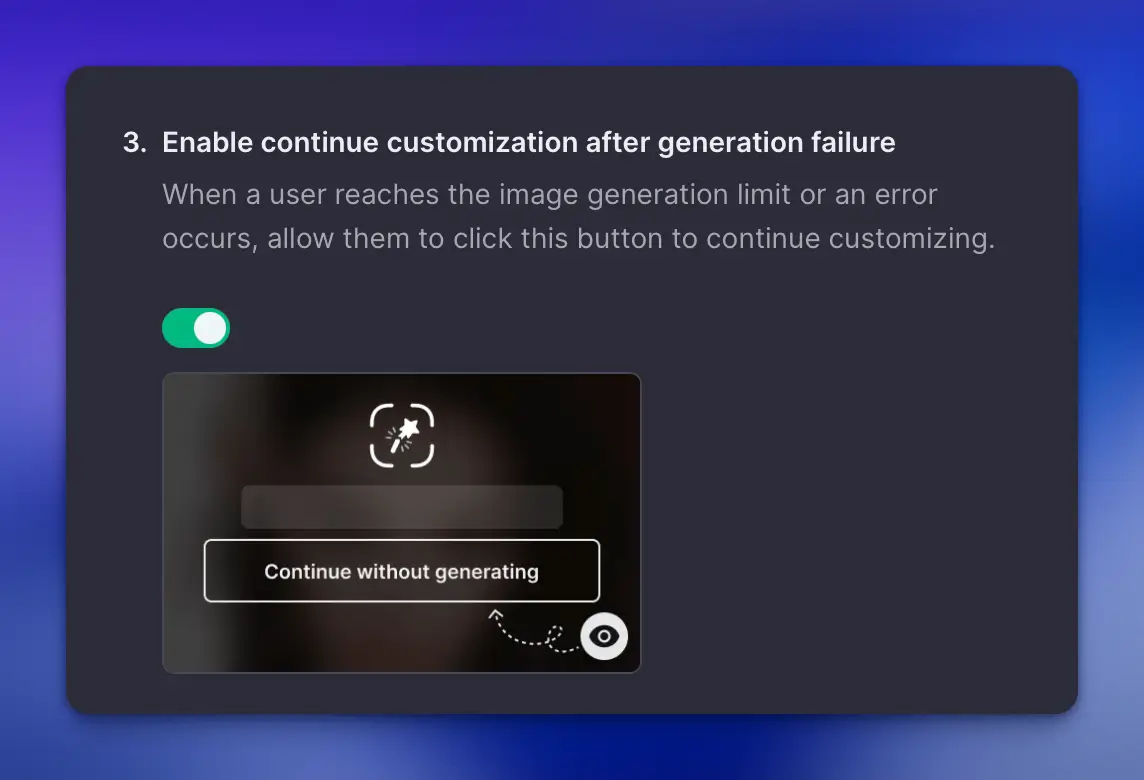
You can now continue customizing even if image generation fails, without needing to regenerate a new image.
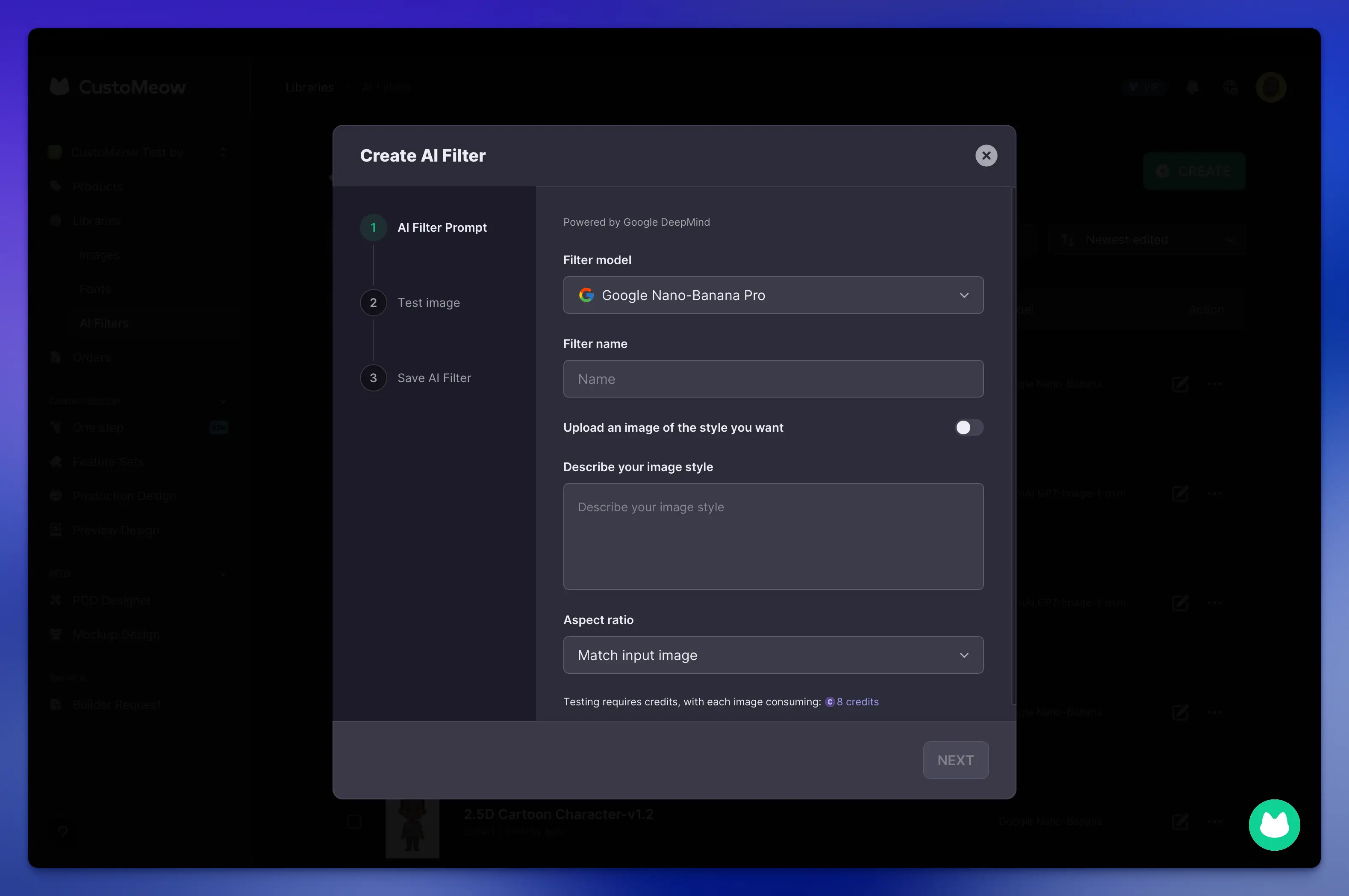
Nano-Banana Pro Model Added to AI Image Filters
More Updates
Updated the AI Image Filter Layout in Design Templates.
Fixed some bugs.

