
The Best Way to Sell Personalized Products on Etsy
Delight your customers with a seamless online customization experience — and instantly generate production-ready files to fulfill orders faster than ever.

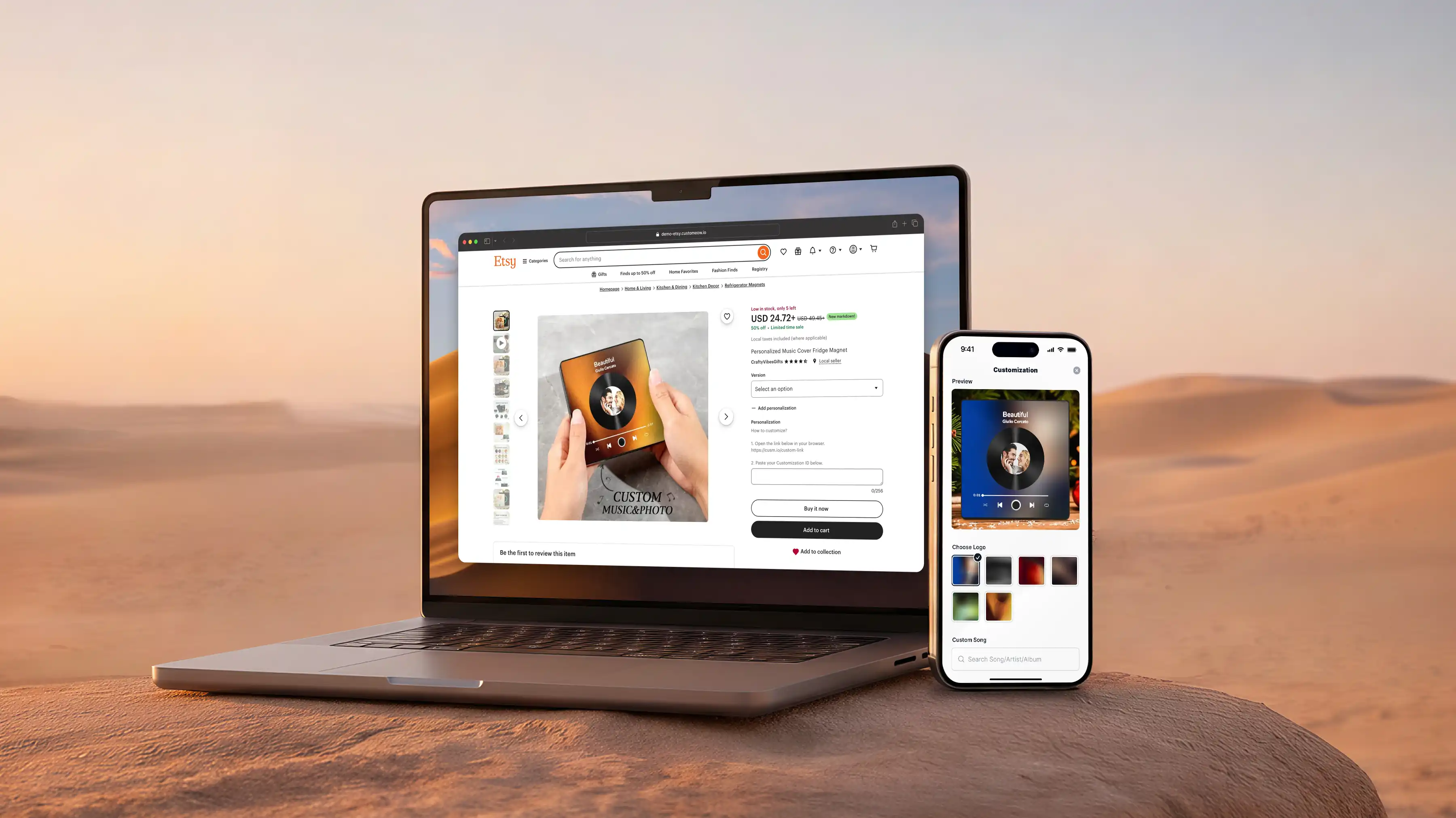
The Best Way to Sell Personalized Products on Etsy
Delight your customers with a seamless online customization experience — and instantly generate production-ready files to fulfill orders faster than ever.
The Best Way to Sell Personalized Products on Etsy
Delight your customers with a seamless online customization experience — and instantly generate production-ready files to fulfill orders faster than ever.
How it works
How it works
How it works
For your customer
For your customer
For your customer
Your customers customize with an intuitive online tool, see real-time previews, and use powerful image editing features — all in a way that feels simple, natural, and effortless.
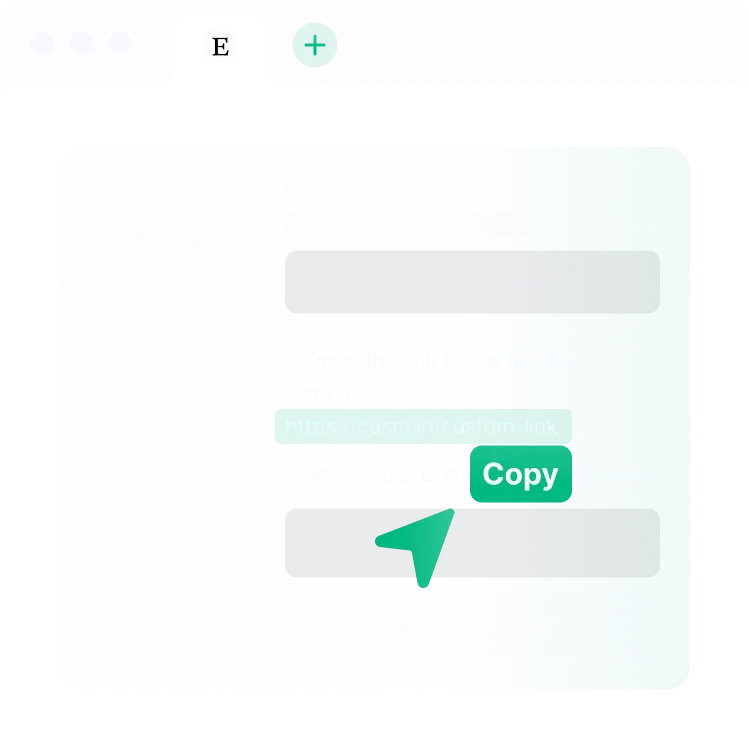
01
Get Link
Copy the customization link and open it in a new window to start customizing.
01
Get Link
Copy the customization link and open it in a new window to start customizing.
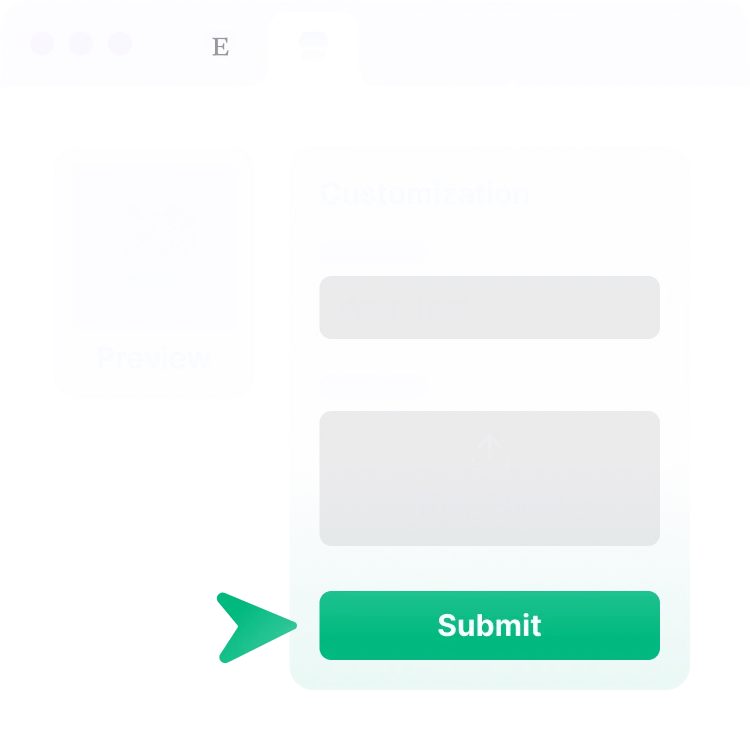
02
Preview & Customize
Start customizing and preview your product in real time.
02
Preview & Customize
Start customizing and preview your product in real time.
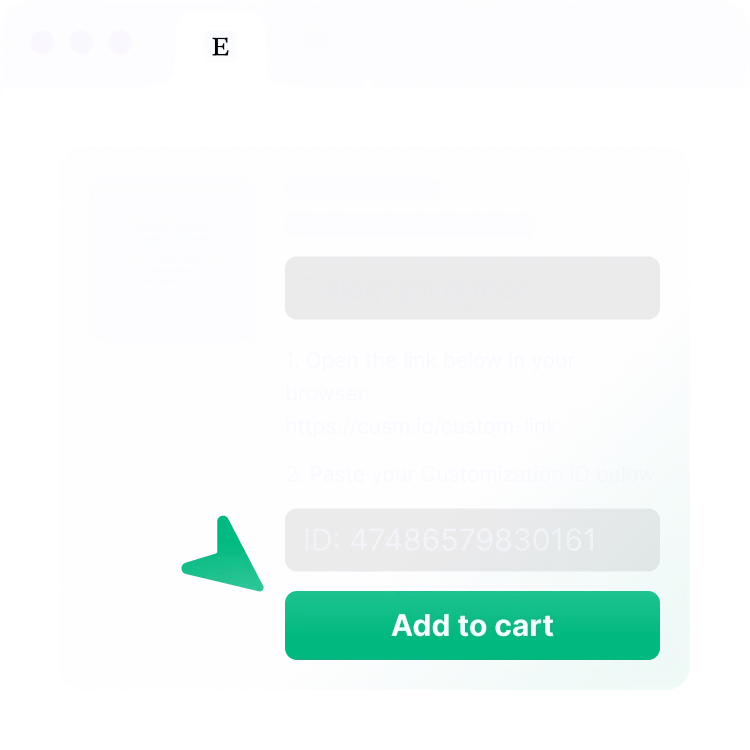
03
Order Now
Finish customizing, paste the customization ID into Etsy’s Personalization input, and place your order. It’s that easy.
03
Order Now
Finish customizing, paste the customization ID into Etsy’s Personalization input, and place your order. It’s that easy.
For You
For You
For You
Add customization to your Etsy products and manage your custom page’s branding, notice board, and theme colors.
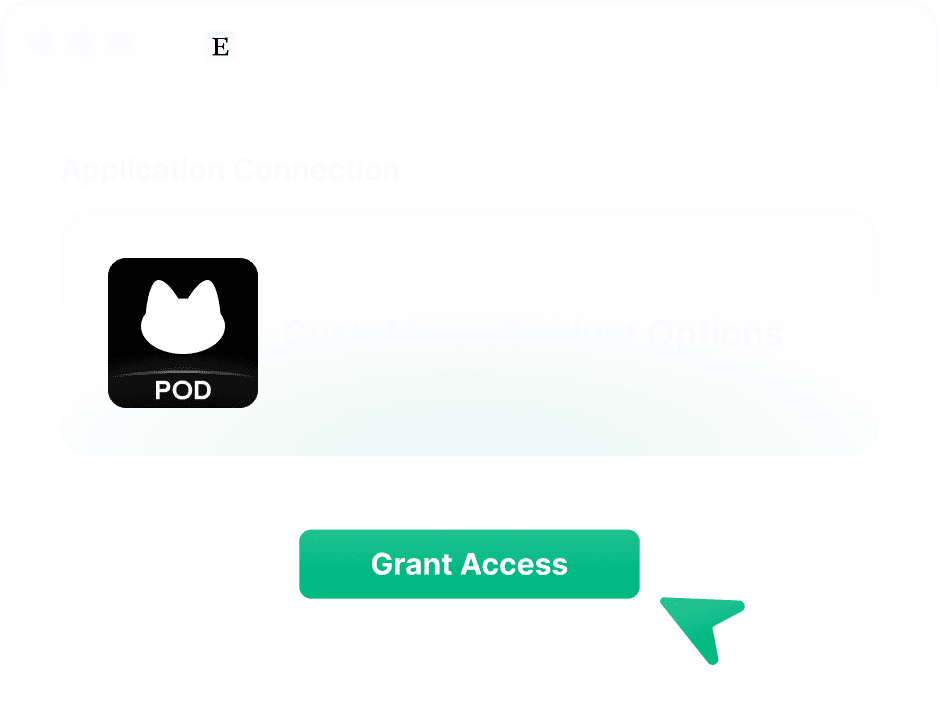
01
Connect CustoMeow
Create a CustoMeow account and connect it with your Etsy shop.
01
Connect CustoMeow
Create a CustoMeow account and connect it with your Etsy shop.
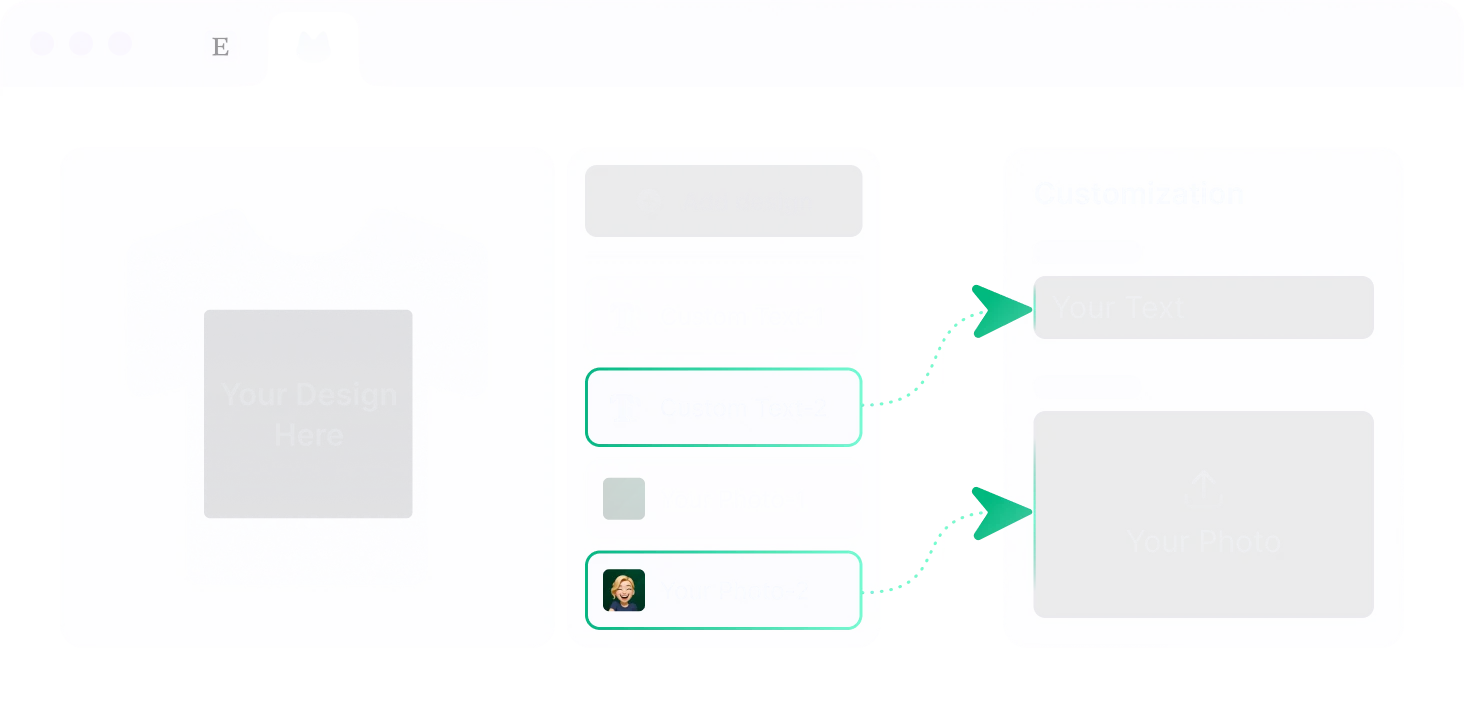
02
Add a design to customization
Add personalization from your own designs.
02
Add a design to customization
Add personalization from your own designs.
03
Paste instructions into Etsy
Paste the customization instructions into your Etsy product’s personalization field.
03
Paste instructions into Etsy
Paste the customization instructions into your Etsy product’s personalization field.
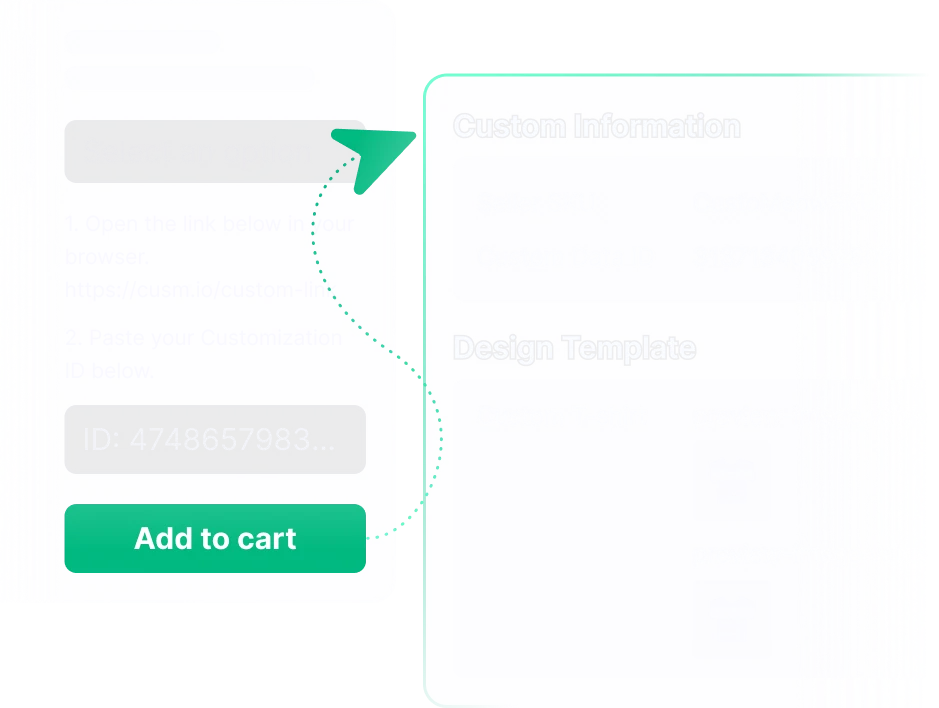
04
Personalization time!
Once an order is placed, we receive the personalized order and automatically generate the production files.
04
Personalization time!
Once an order is placed, we receive the personalized order and automatically generate the production files.
Why sell on Etsy with CustoMeow
Why sell on Etsy with CustoMeow
Why sell on Etsy with CustoMeow

Powering the world’s best customized e-commerce team.

Powering the world’s best customized e-commerce team.
Powering the world’s best customized e-commerce team.

Perfectly optimized for mobile
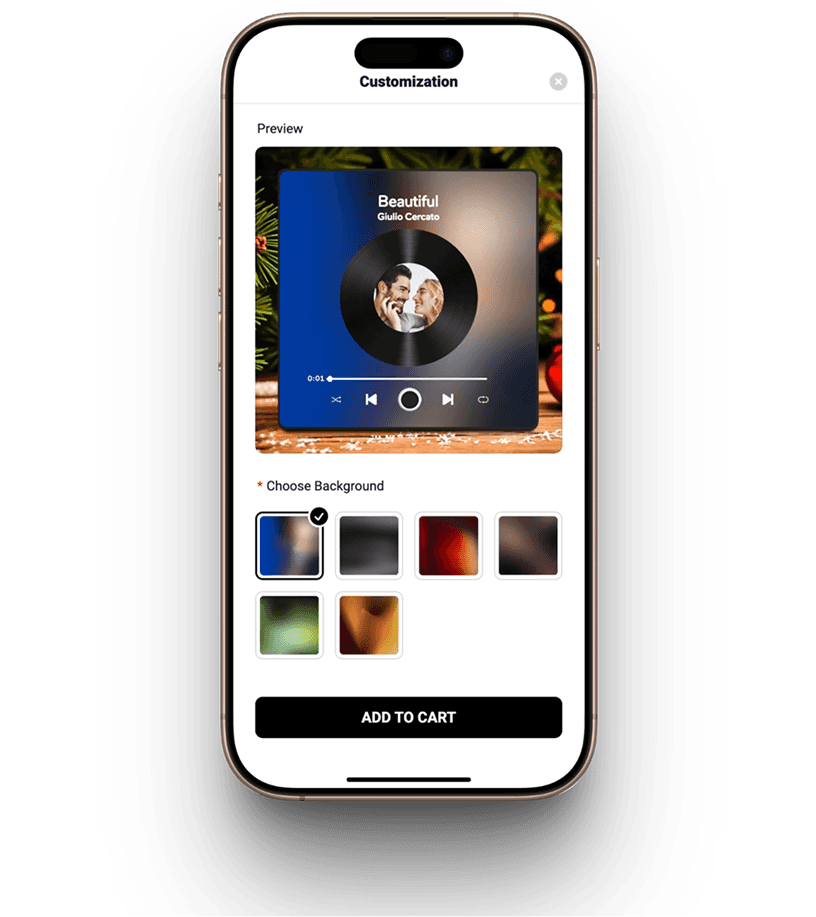
Perfectly optimized for mobile
Perfectly optimized for mobile

Desktop Experience Centers On Customization With A Standout Preview Feature.
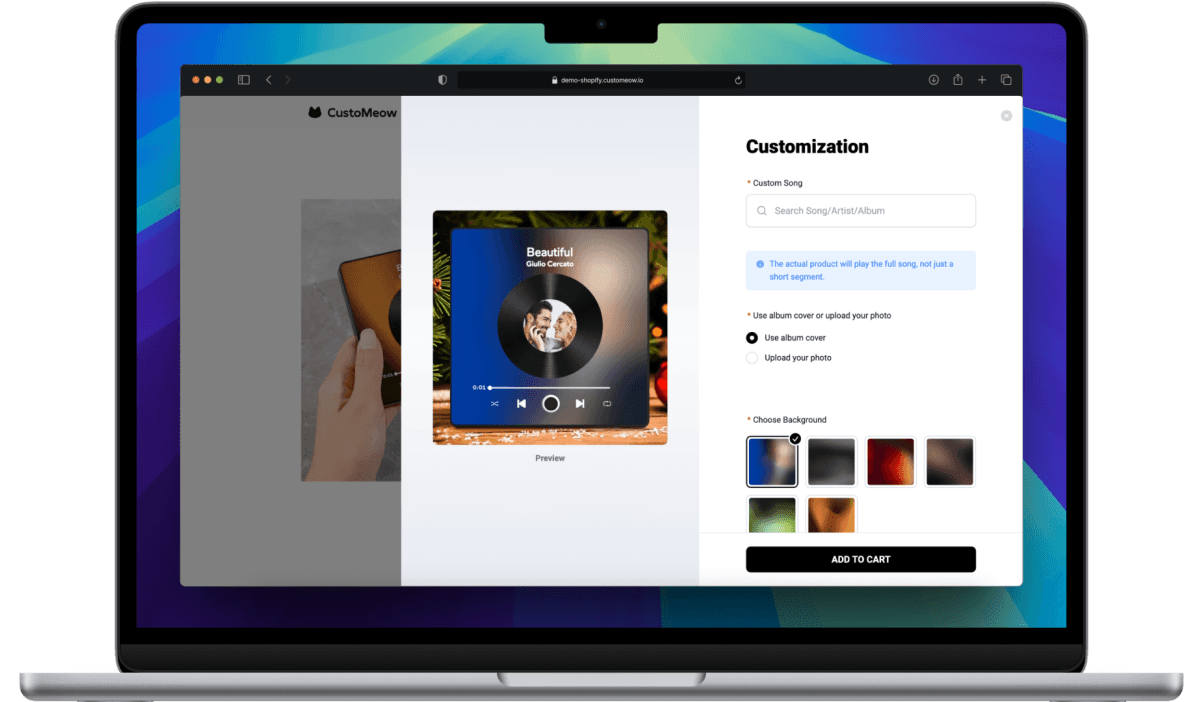
Desktop Experience Centers On Customization With A Standout Preview Feature.
Desktop Experience Centers On Customization
With A Standout
Preview Feature.
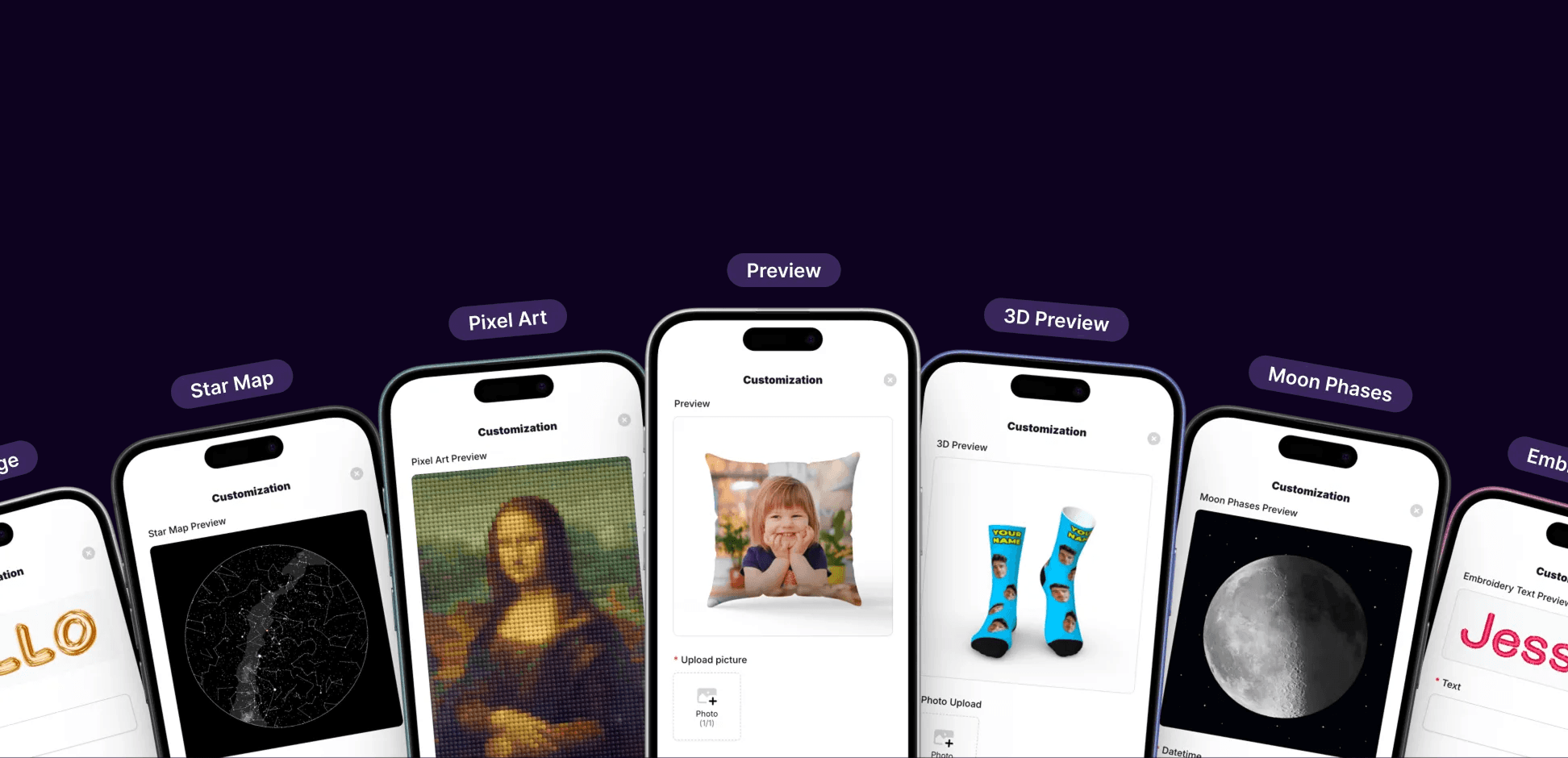
Vibrant Custom Previews
Vibrant Custom Previews
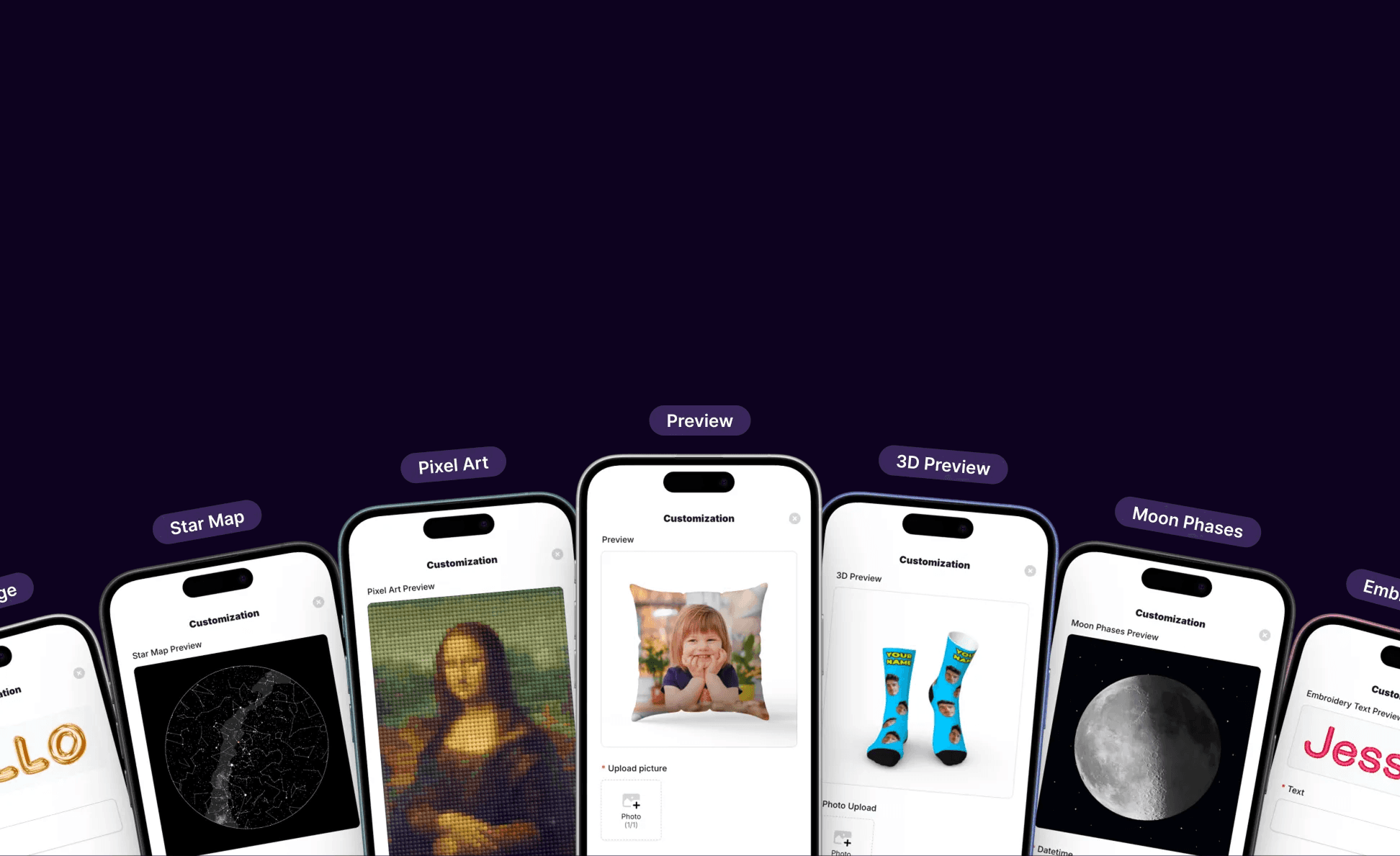
Vibrant Custom Previews

Robust Photo Upload Component
Robust Photo Upload Component
Robust Photo Upload Component
Continuously Expanding Components
Continuously Expanding Components
Continuously Expanding Components
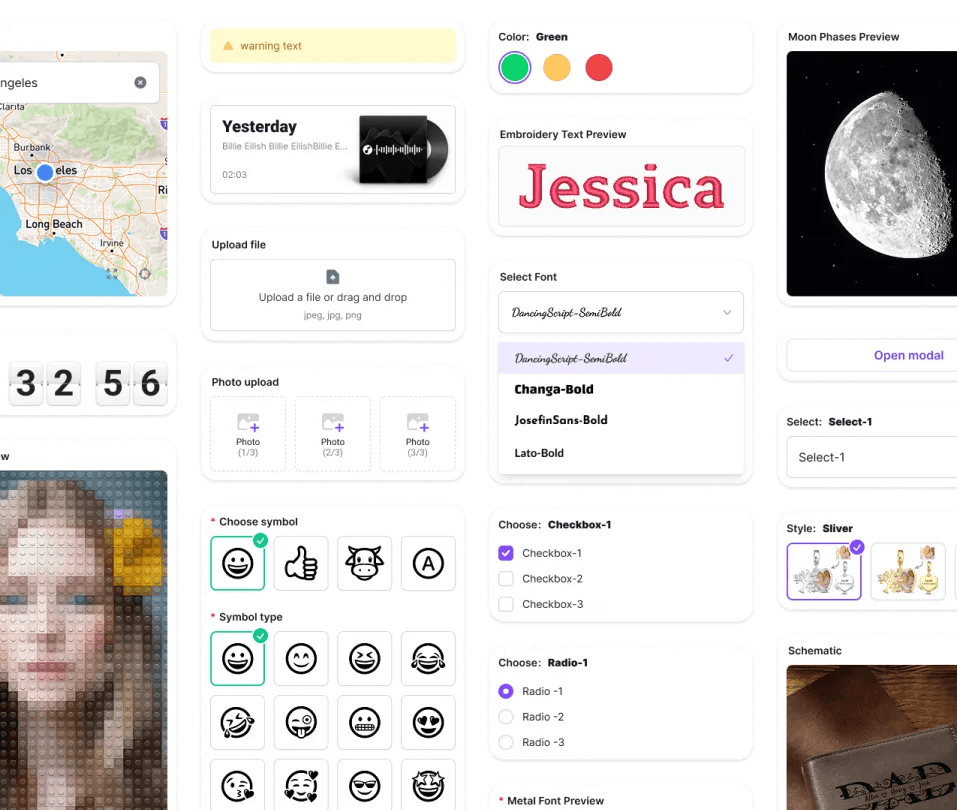
App Component Designed For Vertical Customization Scenarios.
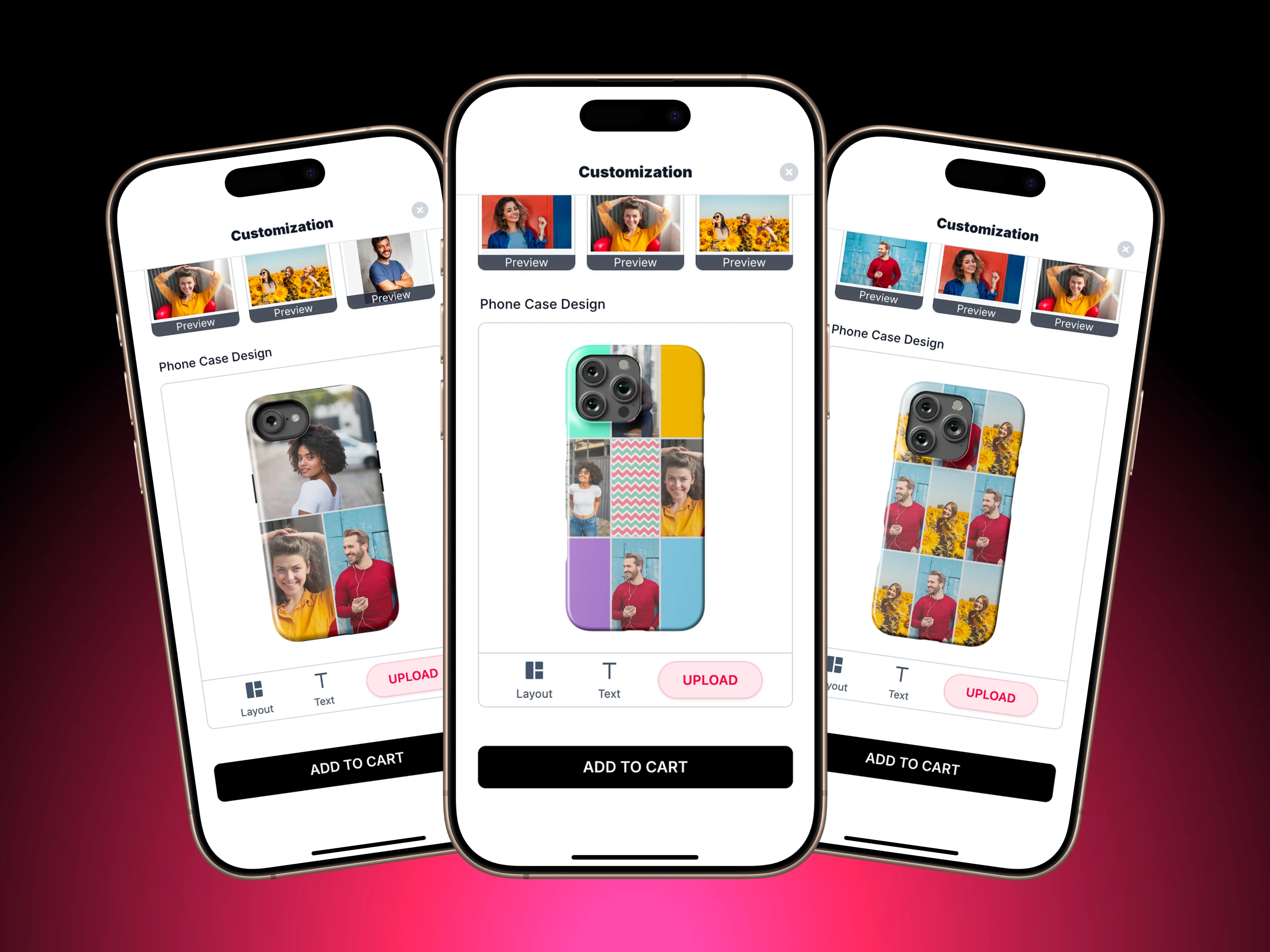
Phone Case Design
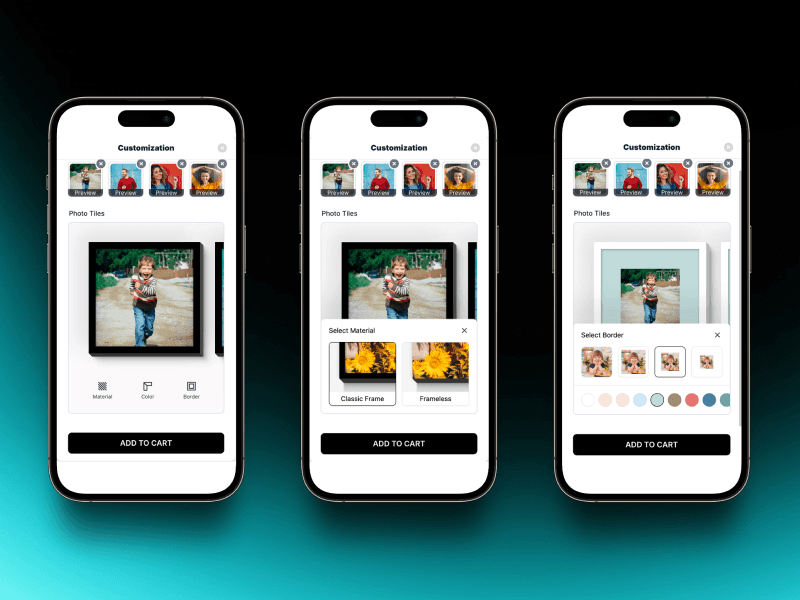

Photo Tiles Preview
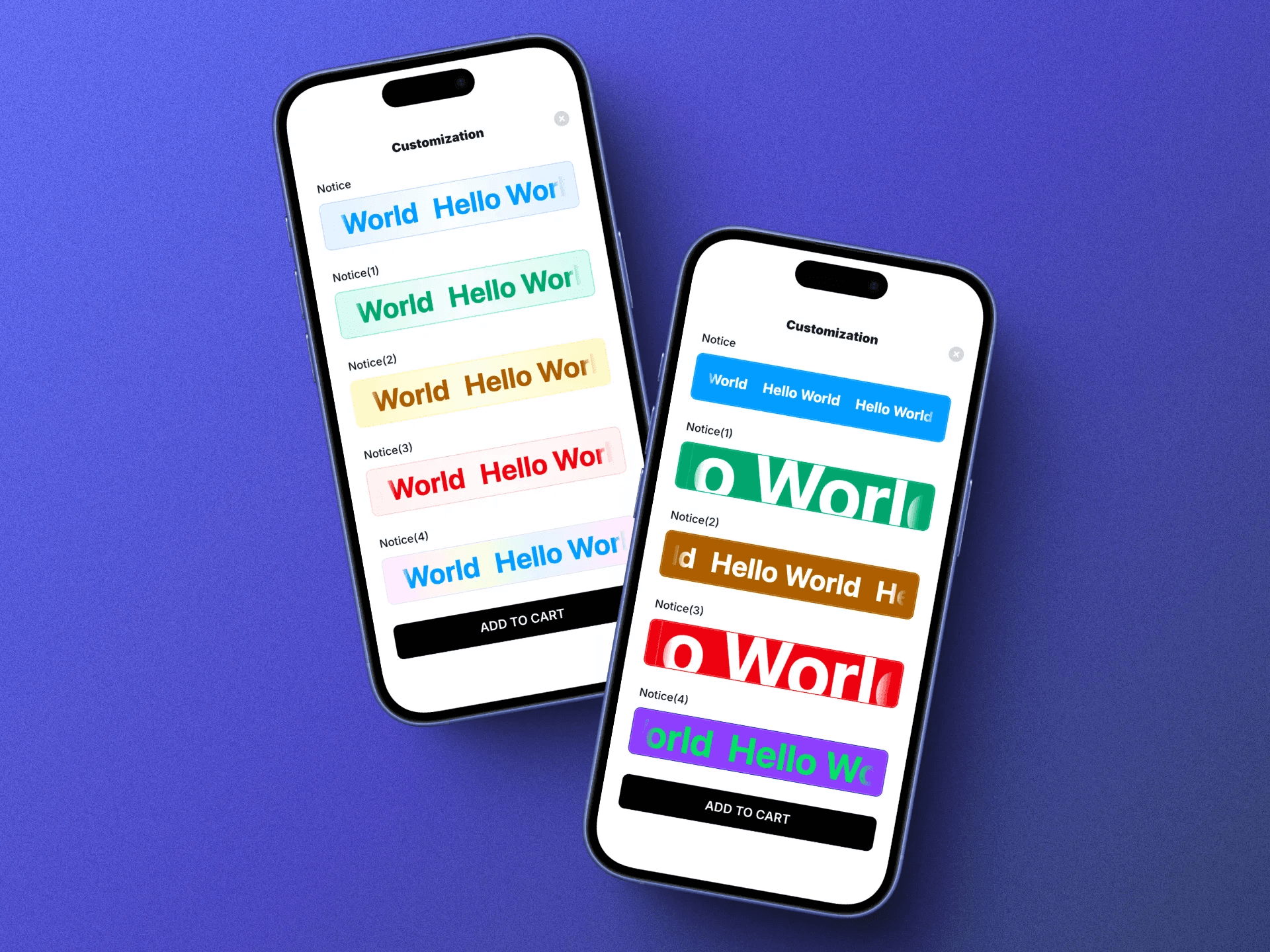

Notice
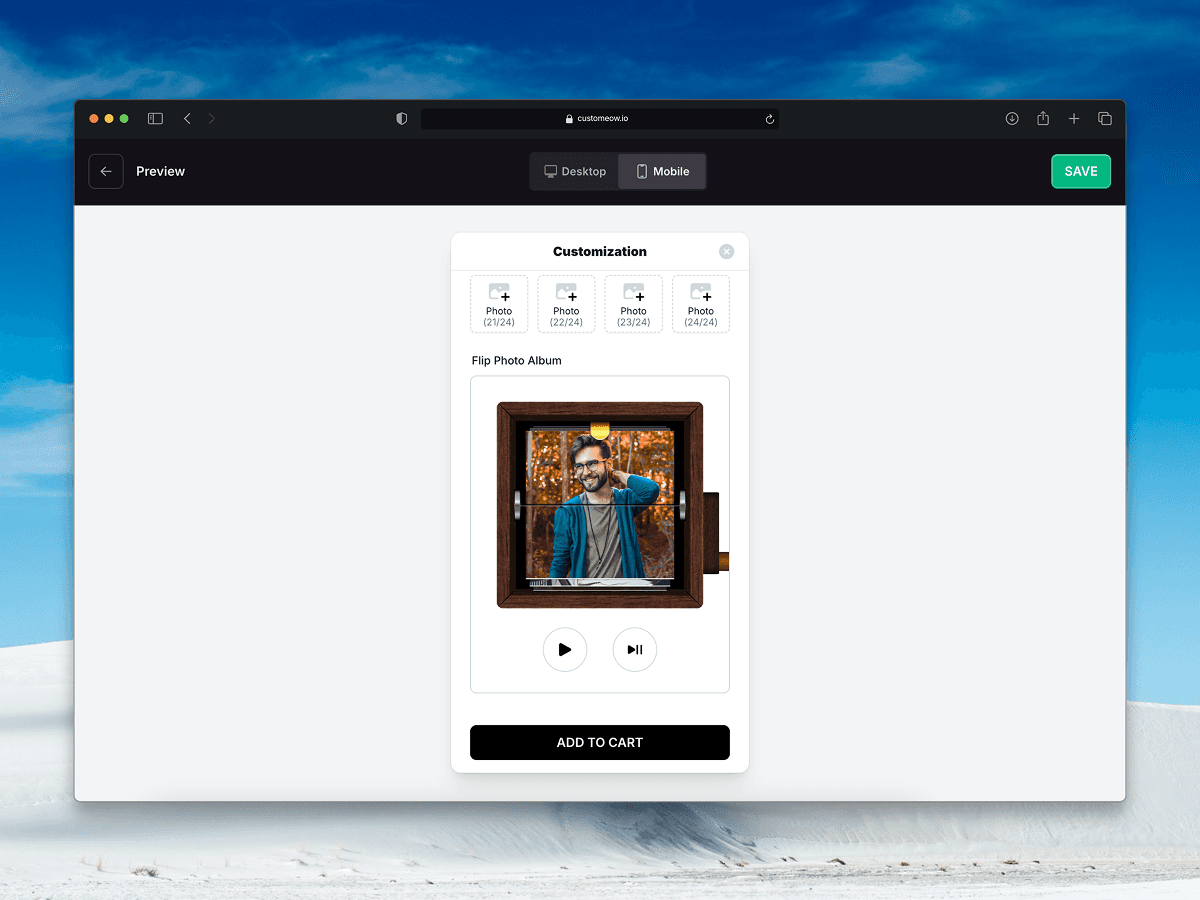

Flip Photo Album
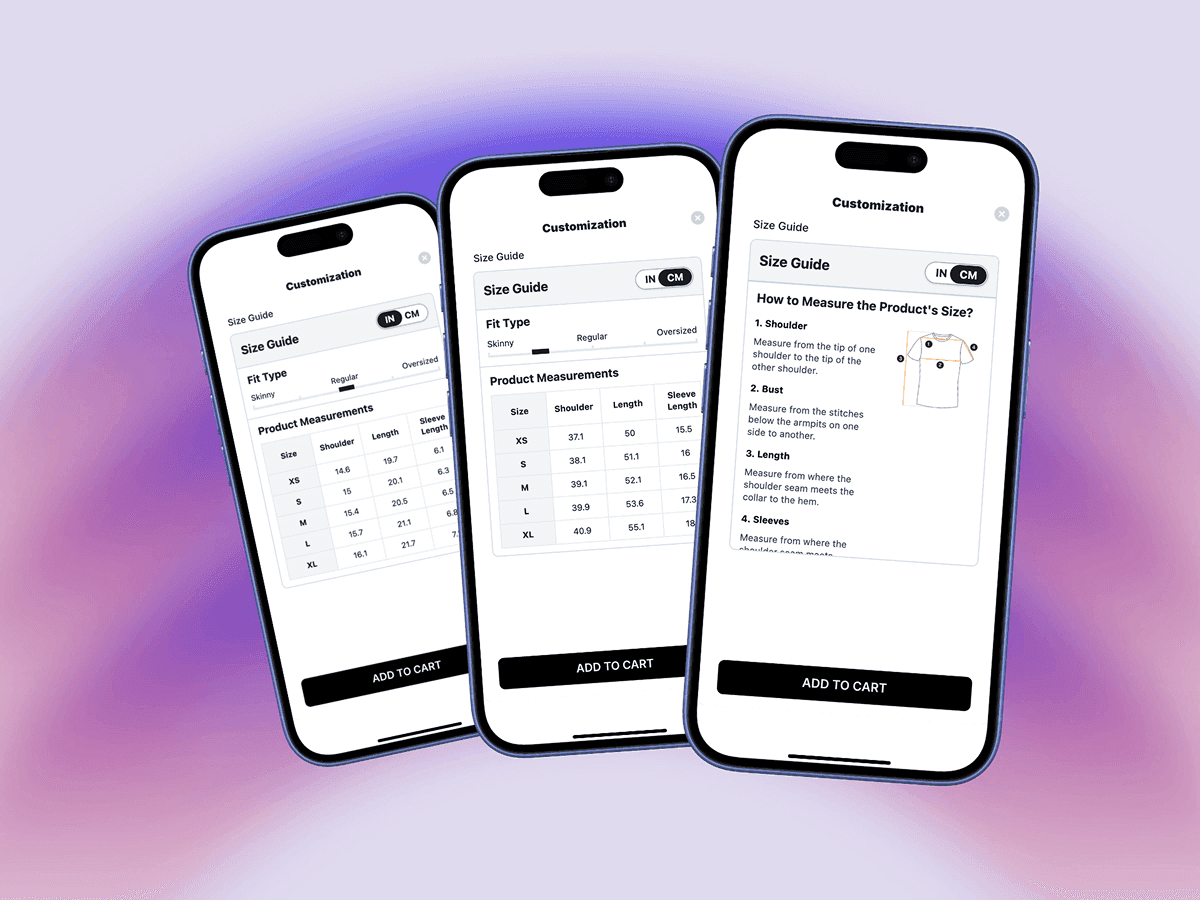

Size Guide
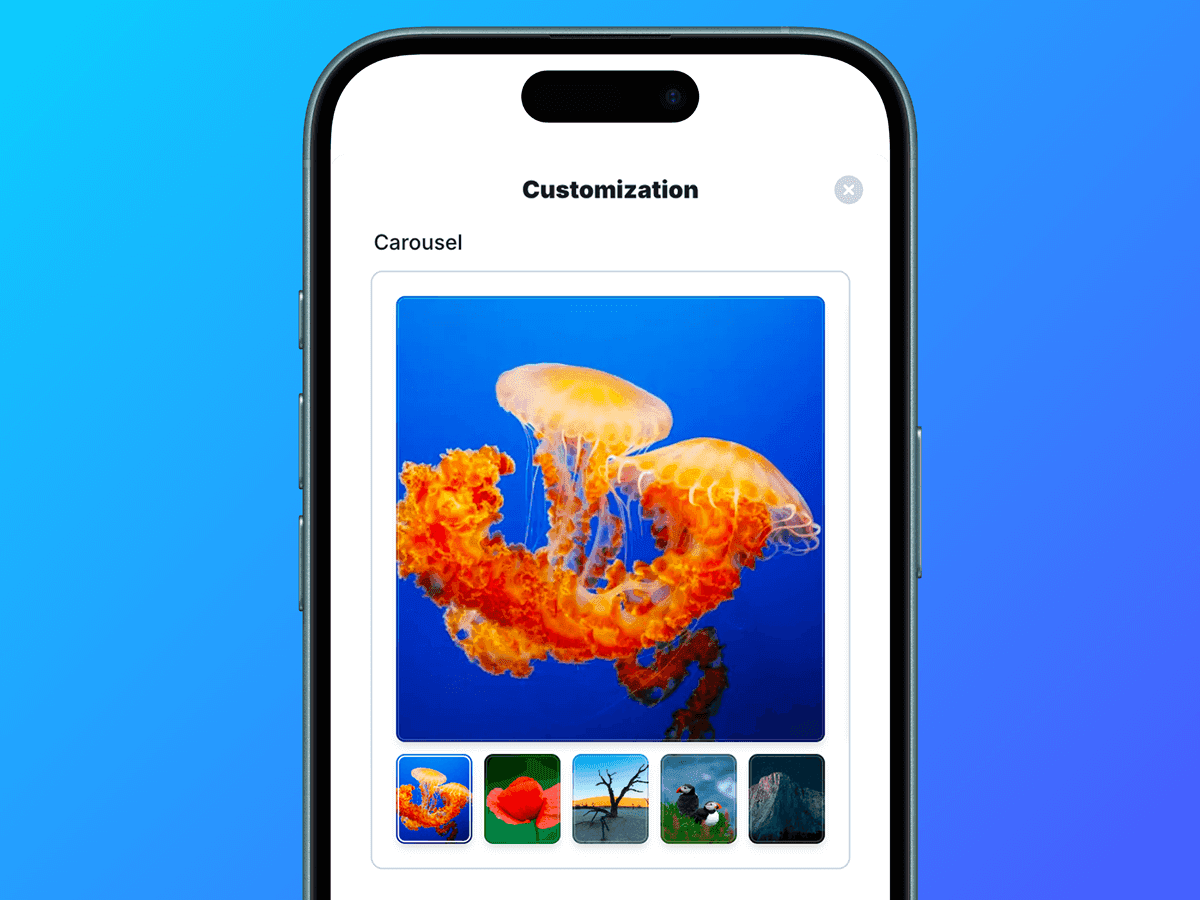
Carousel
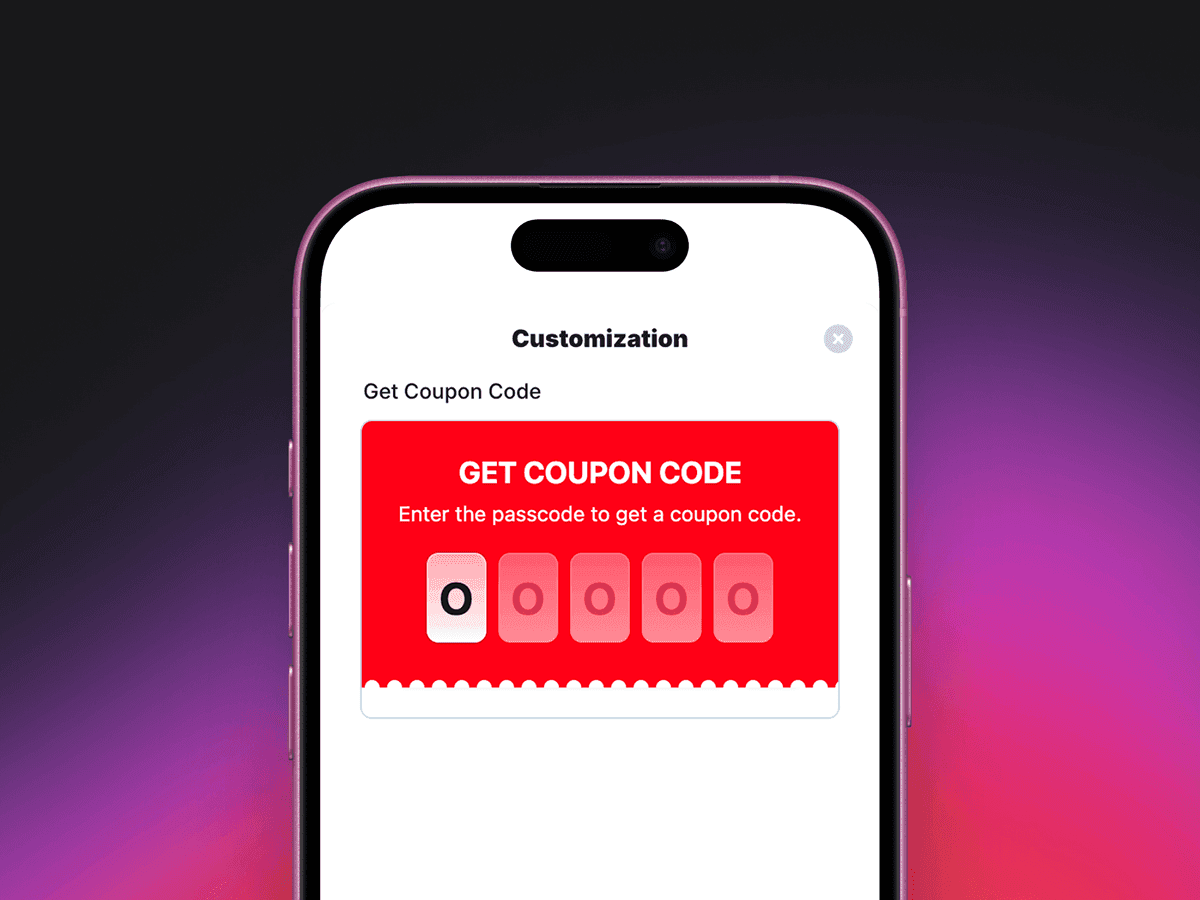
Get Coupon Code
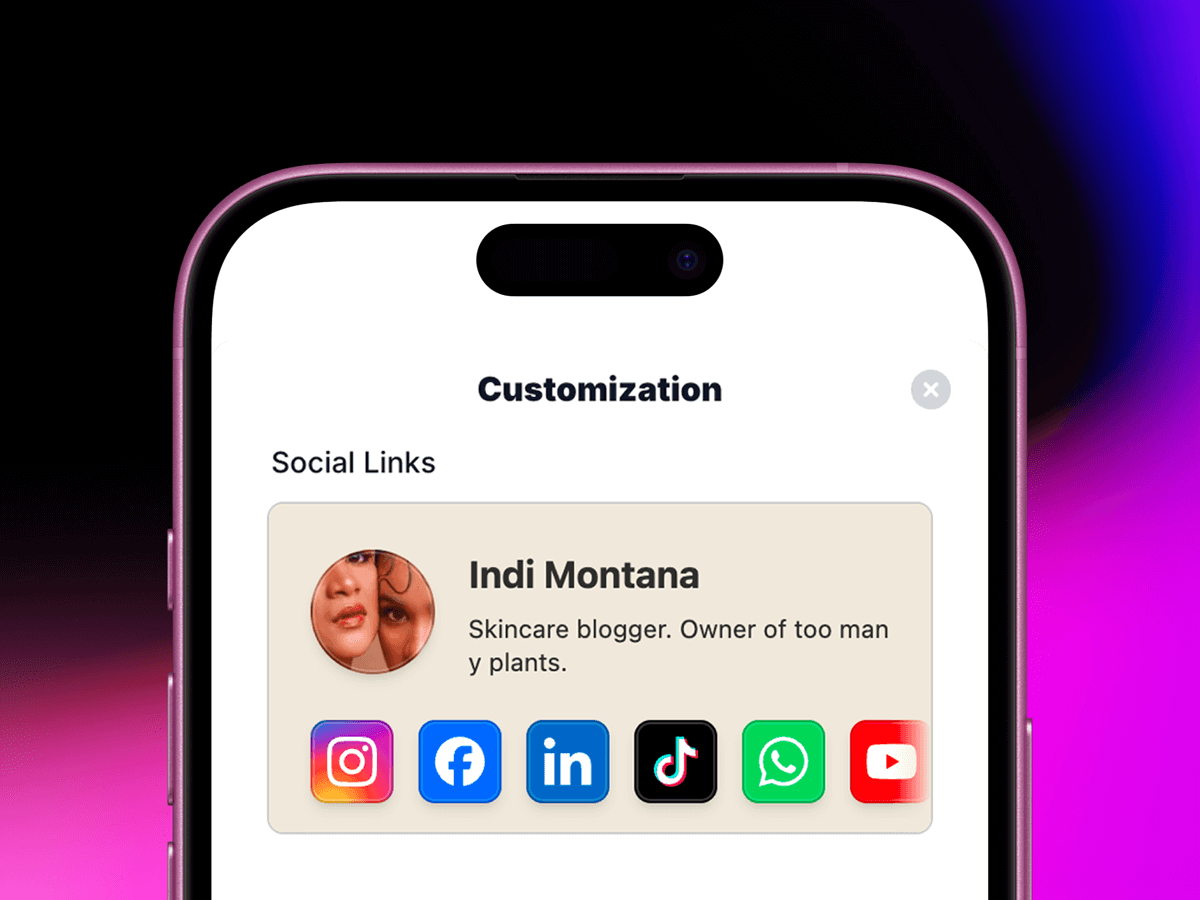

Social Links
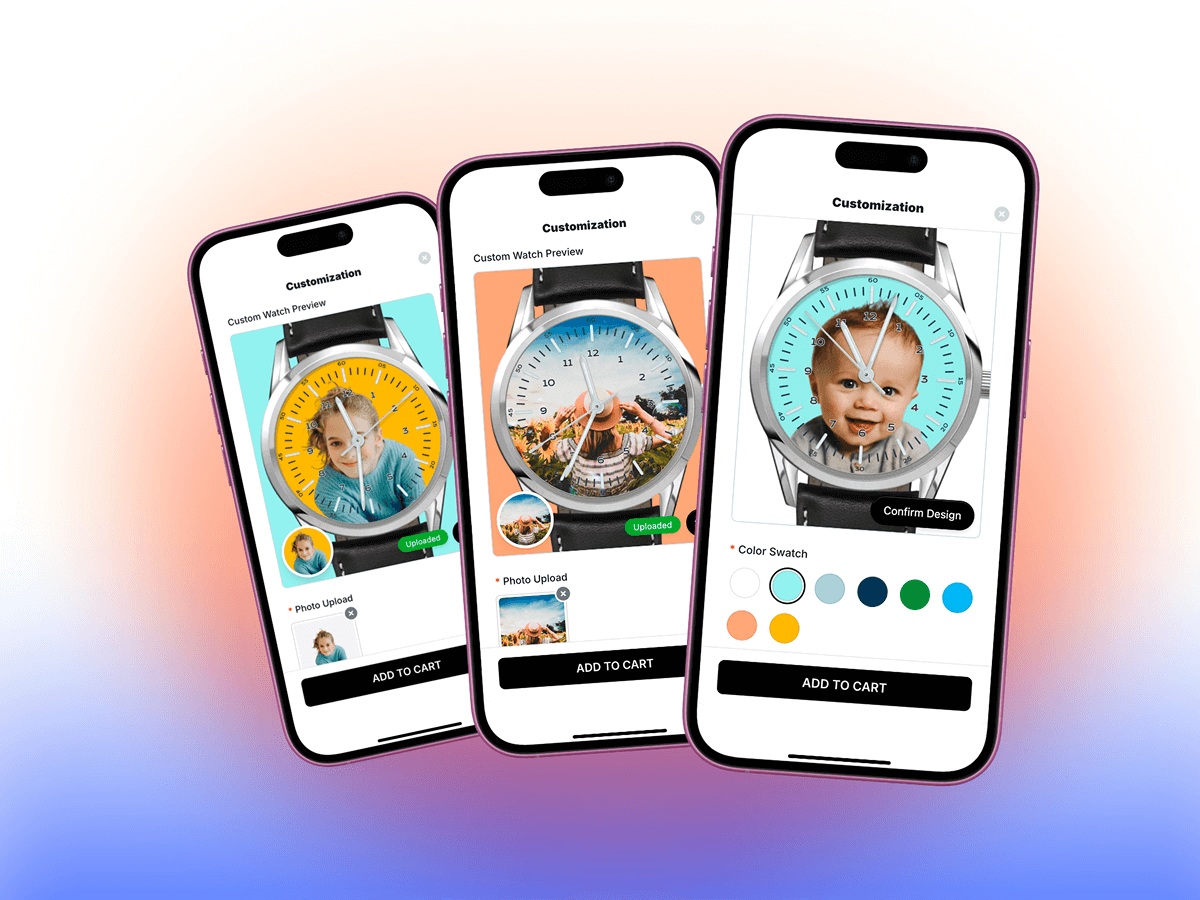
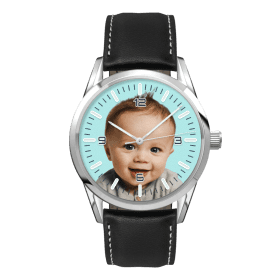
Custom Watch Preview
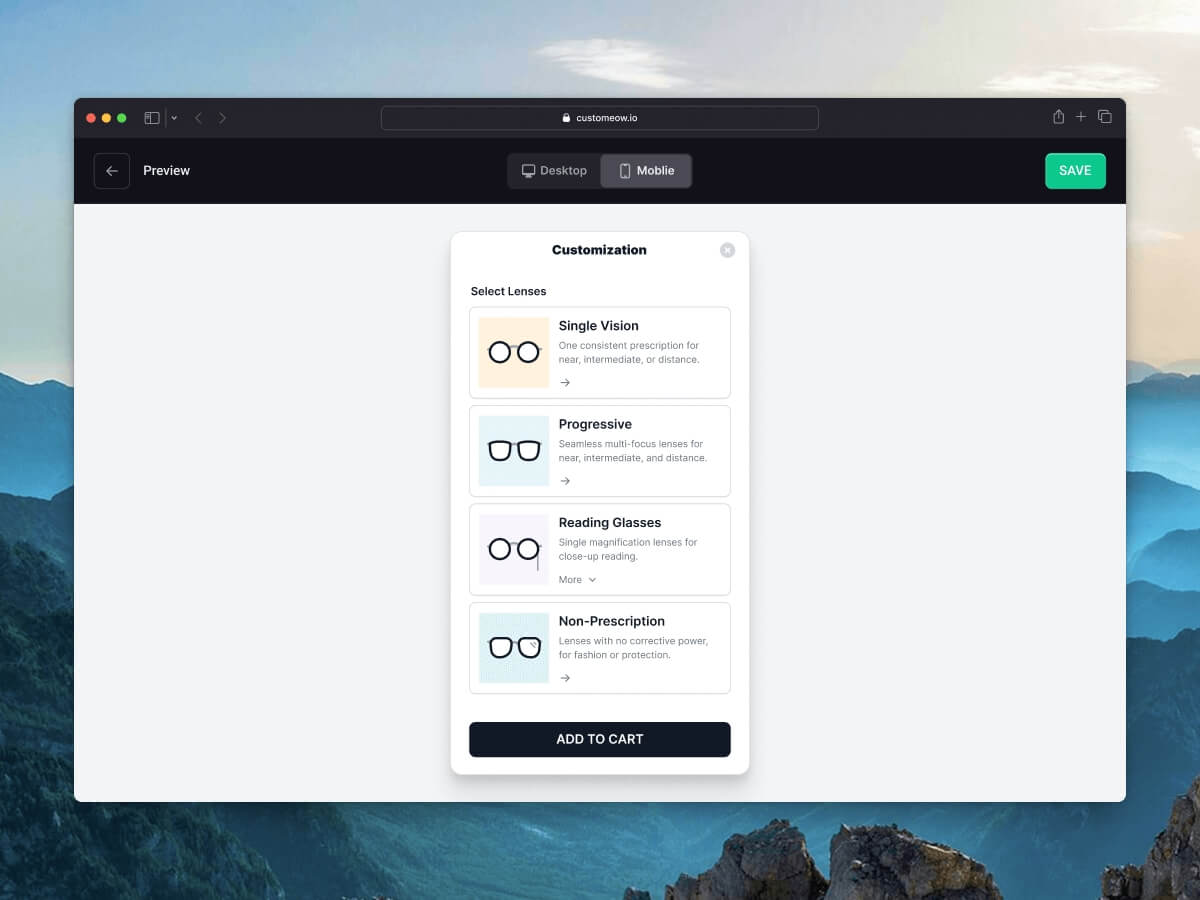

Select Lenses
App Component Designed For Vertical Customization Scenarios.
Phone Case Design
Photo Tiles Preview
Notice
Flip Photo Album
Size Guide
Carousel
Get Coupon Code
Social Links
Custom Watch Preview
Select Lenses
App Component Designed For Vertical Customization Scenarios.
Phone Case Design
Photo Tiles Preview
Notice
Flip Photo Album
Size Guide
Carousel
Get Coupon Code
Social Links
Custom Watch Preview
Select Lenses

You can use design template to quickly build custom feature
You can use design template to quickly build custom feature
Free and Efficient.
Free and Efficient.
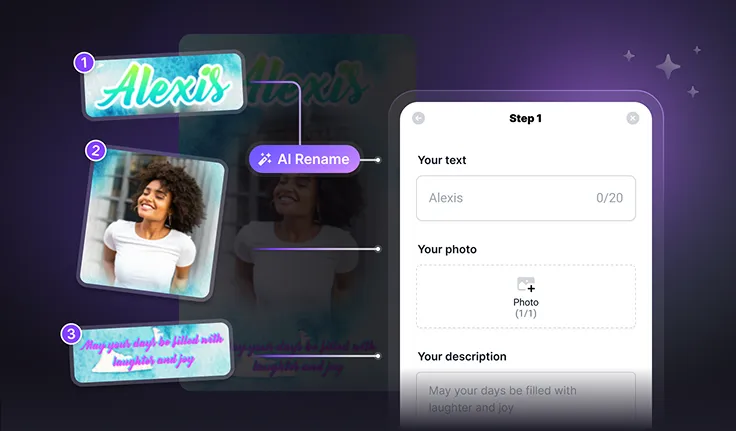

Powerful And Easy-To-Use Design Templates.
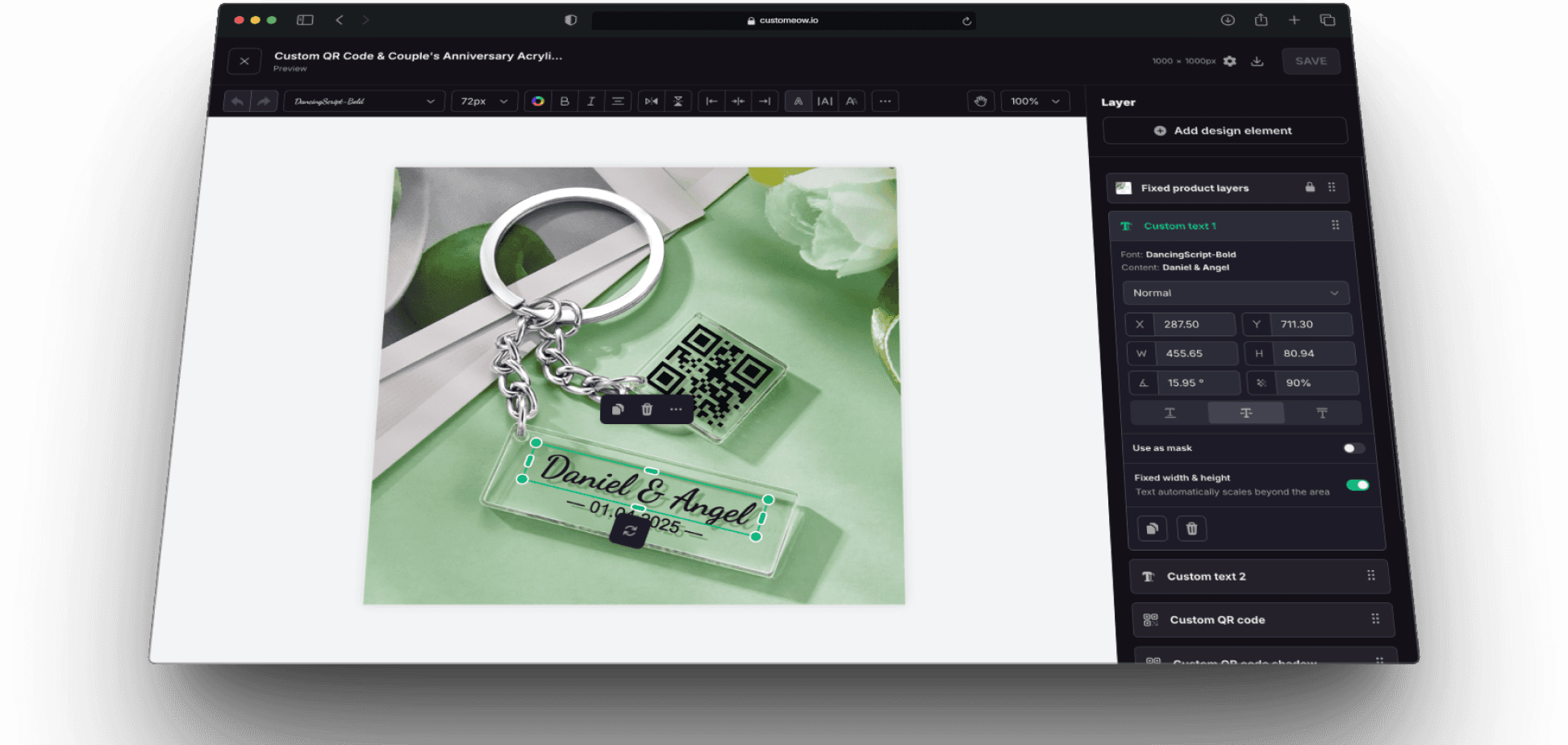
Powerful And Easy-To-Use Design Templates.
Powerful And
Easy-To-Use
Design Templates.
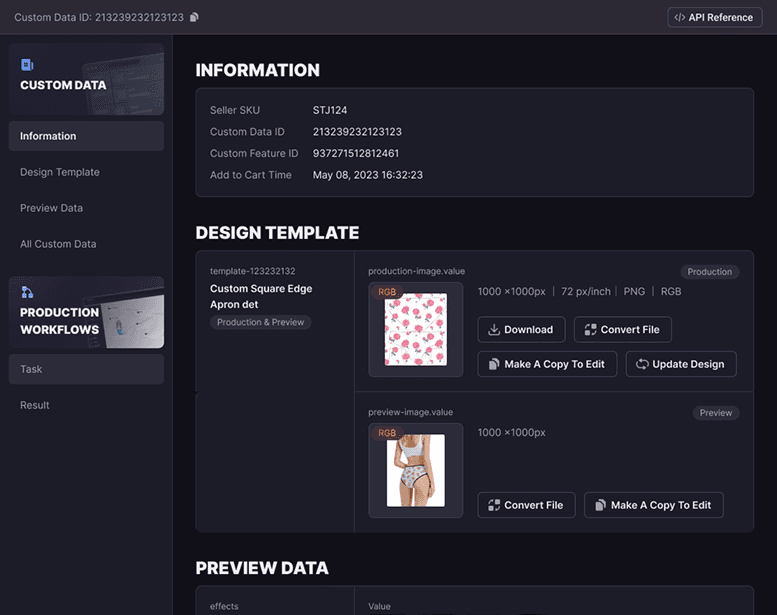
All Your Customer's
Custom Data,
Right Here.
All Your Customer's Custom Data,
Right Here.
All Your Customer's
Custom Data,
Right Here.

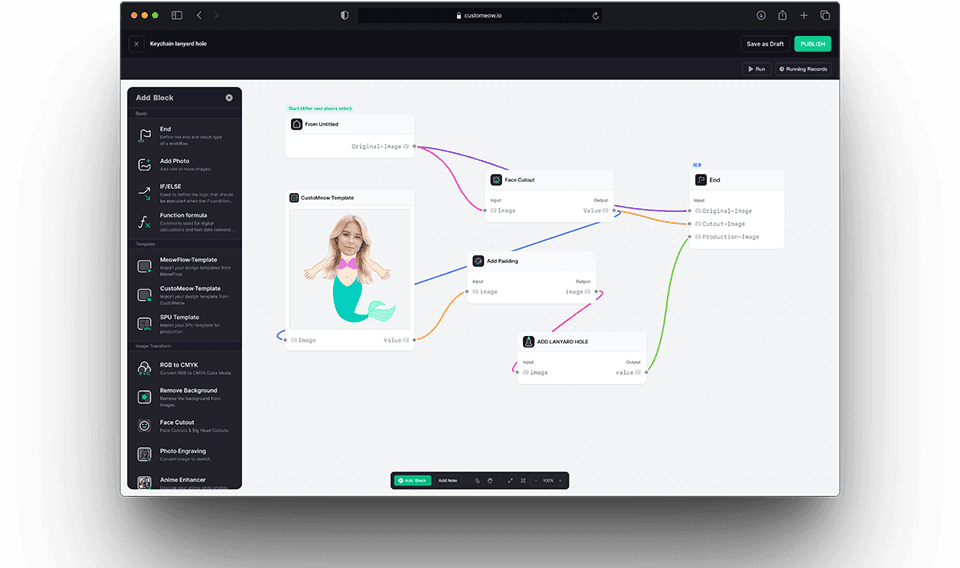
Convert Order to Production Files
In Just Seconds.
Production automation workflow can convert a user's customized data into production files.
Convert Order to Production Files
In Just Seconds.
Production automation workflow can convert a user's customized data into production files.
Convert Order to
Production Files
In Just Seconds.
Production automation workflow can convert a user's customized data into production files.
Frequently Asked Questions
about CustoMeow
Frequently Asked Questions
about CustoMeow
Frequently Asked Questions about CustoMeow
After my customer places an order, how long does it take for it to sync to CustoMeow?
After your customer places an order, Etsy will automatically push the order to CustoMeow. If the order hasn’t synced yet, you can also click the “Update” button in the Orders section to manually sync it.
How is the order transaction fee calculated?
What if the customization provided by the customer doesn’t match the purchased product?
CustoMeow checks whether the customization matches the purchased product. If it doesn’t, the order will be placed in “To Be Confirmed”, where you can edit the customization for free before confirming.
What if the customer has paid the order without providing customization?
CustoMeow checks whether the customization is complete. Orders missing details will be placed in “To Be Confirmed”, where you can add the customization before confirming.
Does the exported order spreadsheet include the production files?
Yes. Once the order is synced, we automatically generate the production files right away, so the exported spreadsheet will already include the links to the generated production files.
Can l modify the production file? What should l do if my customer requests changes?
You just need to go to the customization data page, find the design template, click the 'Copy& Edit' button, make your changes, save it, and then download the file.
If my production file is a DXF, or if I need to add an outer contour to the production image,is that possible?
After my customer places an order, how long does it take for it to sync to CustoMeow?
After your customer places an order, Etsy will automatically push the order to CustoMeow. If the order hasn’t synced yet, you can also click the “Update” button in the Orders section to manually sync it.
How is the order transaction fee calculated?
What if the customization provided by the customer doesn’t match the purchased product?
CustoMeow checks whether the customization matches the purchased product. If it doesn’t, the order will be placed in “To Be Confirmed”, where you can edit the customization for free before confirming.
What if the customer has paid the order without providing customization?
CustoMeow checks whether the customization is complete. Orders missing details will be placed in “To Be Confirmed”, where you can add the customization before confirming.
Does the exported order spreadsheet include the production files?
Yes. Once the order is synced, we automatically generate the production files right away, so the exported spreadsheet will already include the links to the generated production files.
Can l modify the production file? What should l do if my customer requests changes?
You just need to go to the customization data page, find the design template, click the 'Copy& Edit' button, make your changes, save it, and then download the file.
If my production file is a DXF, or if I need to add an outer contour to the production image,is that possible?
Home
Free Tools
Resources


Home
Free Tools
Resources
Home
Free Tools
Resources