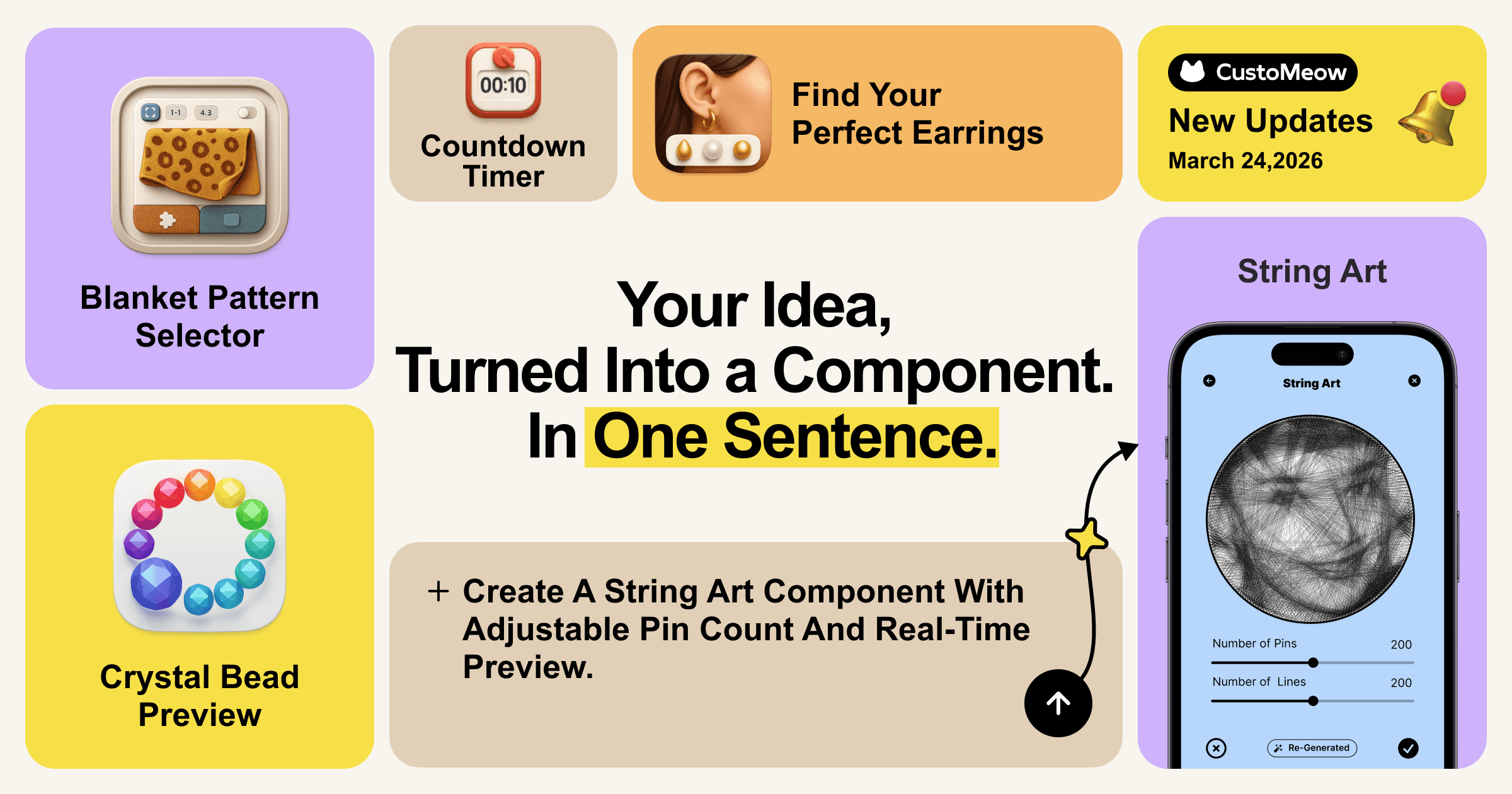
March 24, 2026
Share
Copied
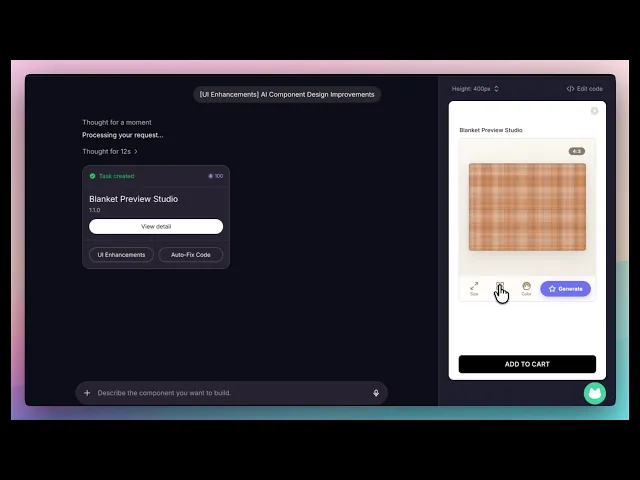
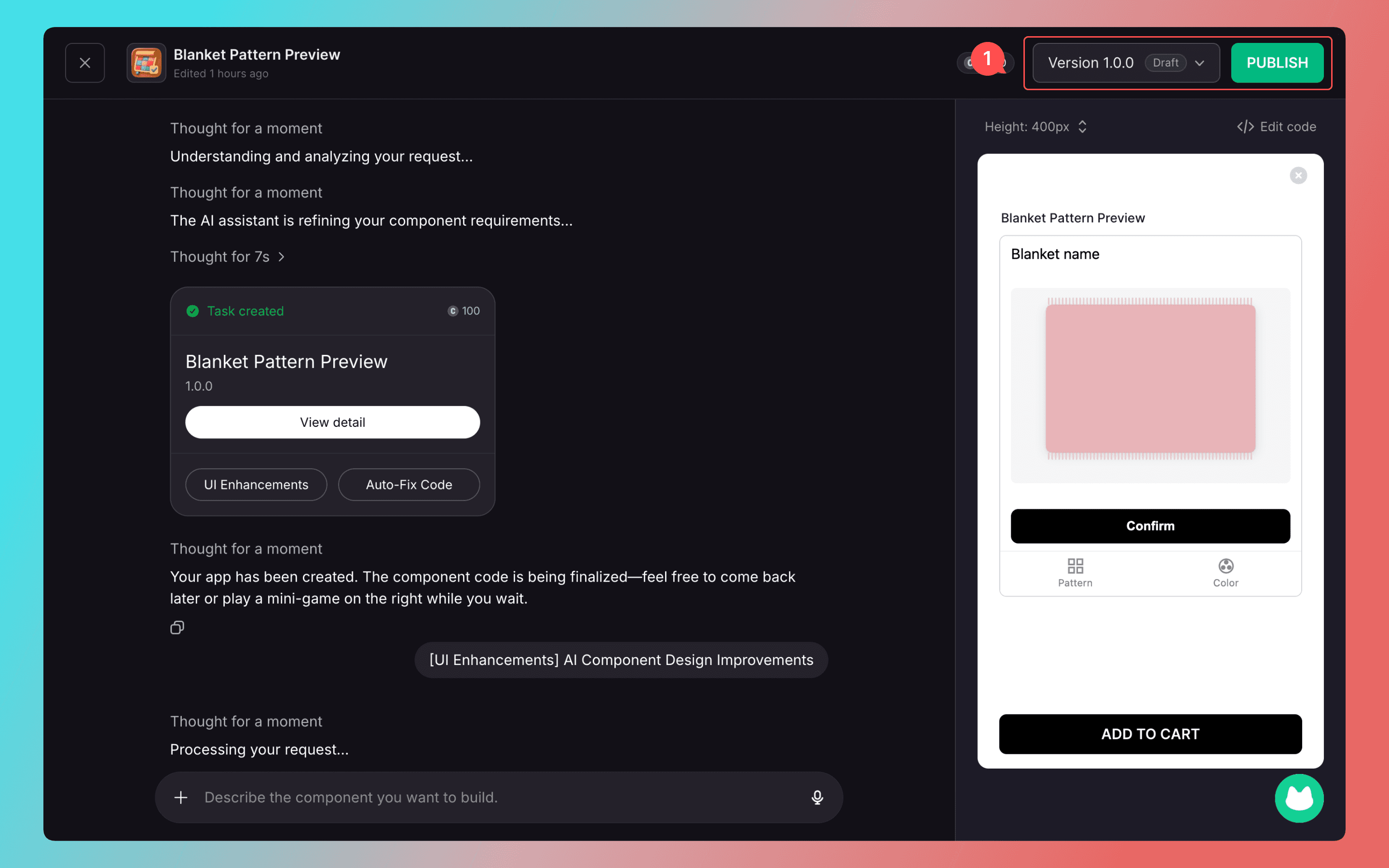
Create a customizable blanket preview component with size ratio selection, auto-adjusting canvas, real-time preview, and switchable tabs for pattern textures and background colors, where AI instantly generates the final effect based on user choices.
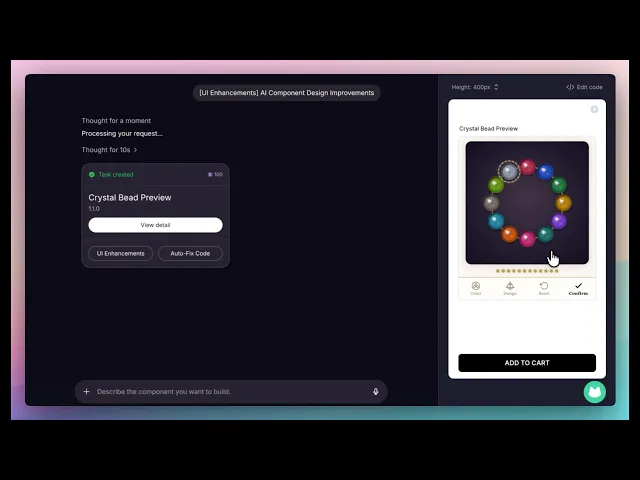
Create a customizable bead preview component: the canvas shows a bead string with one bead by default. Clicking a bead adds another, up to 12 beads, which form a complete circle and fill the canvas. All beads are the same size and evenly spaced. Beads have a crystal style, with each bead selectable in different colors and designs. Colors are semi-transparent with gradients and transitions, and the preview updates in real time based on user choices.
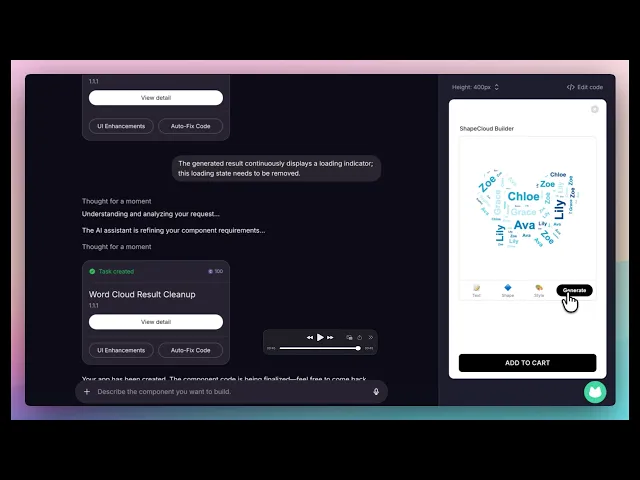
Create a word cloud component with an input box where users can enter multiple blocks of text separated by spaces, each block containing 3–10 words (up to 10 characters per word). The cloud follows preset shapes (animals, plants, geometric), with words strictly confined within the contour. Default density is very compact, word directions are random, and words repeat to fill the entire shape. Users can adjust text density and color to achieve a balanced layout.
How It Works?
In the AI chat box, describe your idea and requirements, including functionality, interaction logic, and layout style. The more detailed your description, the more accurate the generated component will be.
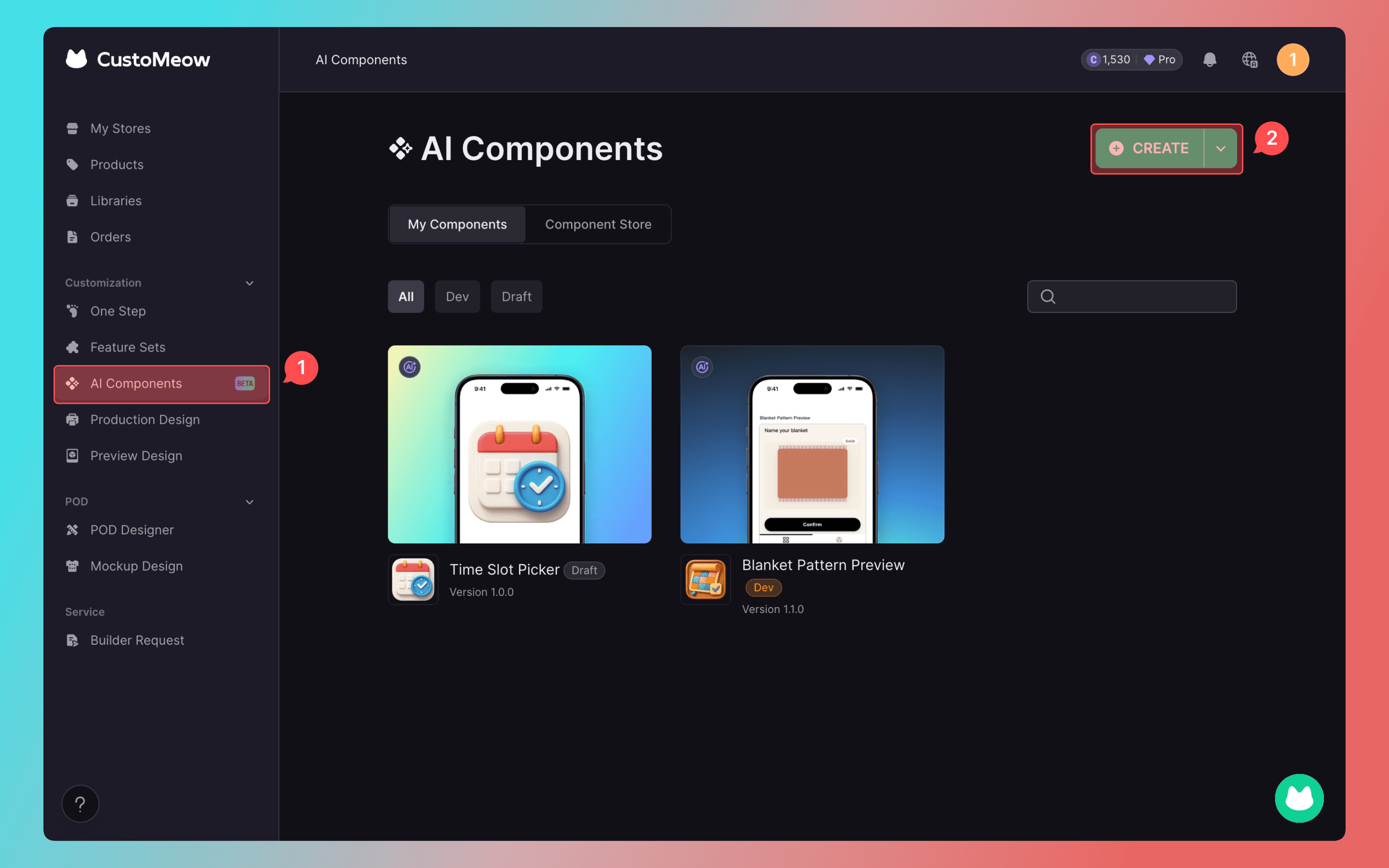
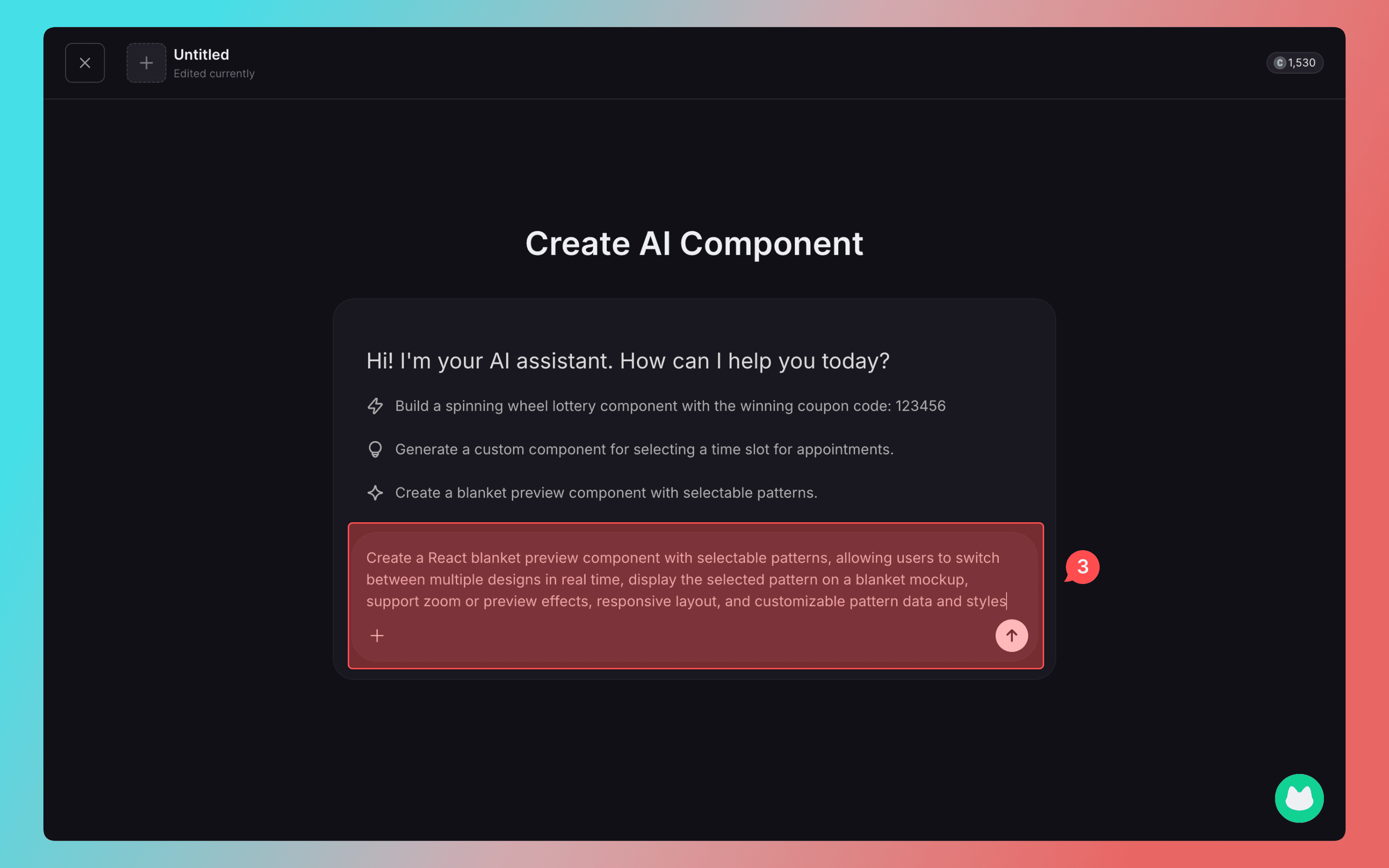
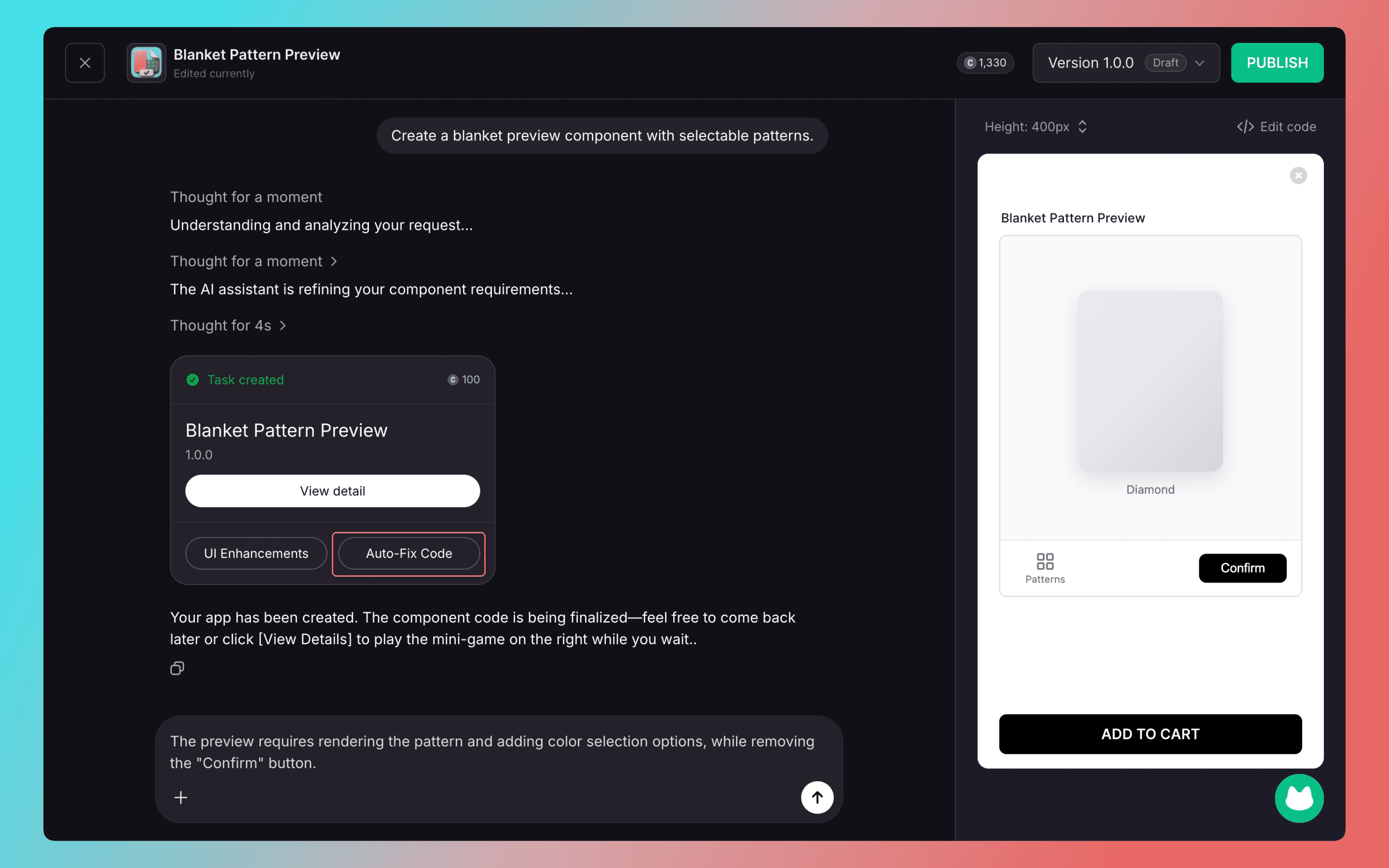
Have more ideas for the generated result? You can continue the conversation with AI, which will iteratively produce new versions until you are satisfied. If there are issues with the generated code, you can click [Auto Fix Code] to complete the iteration.
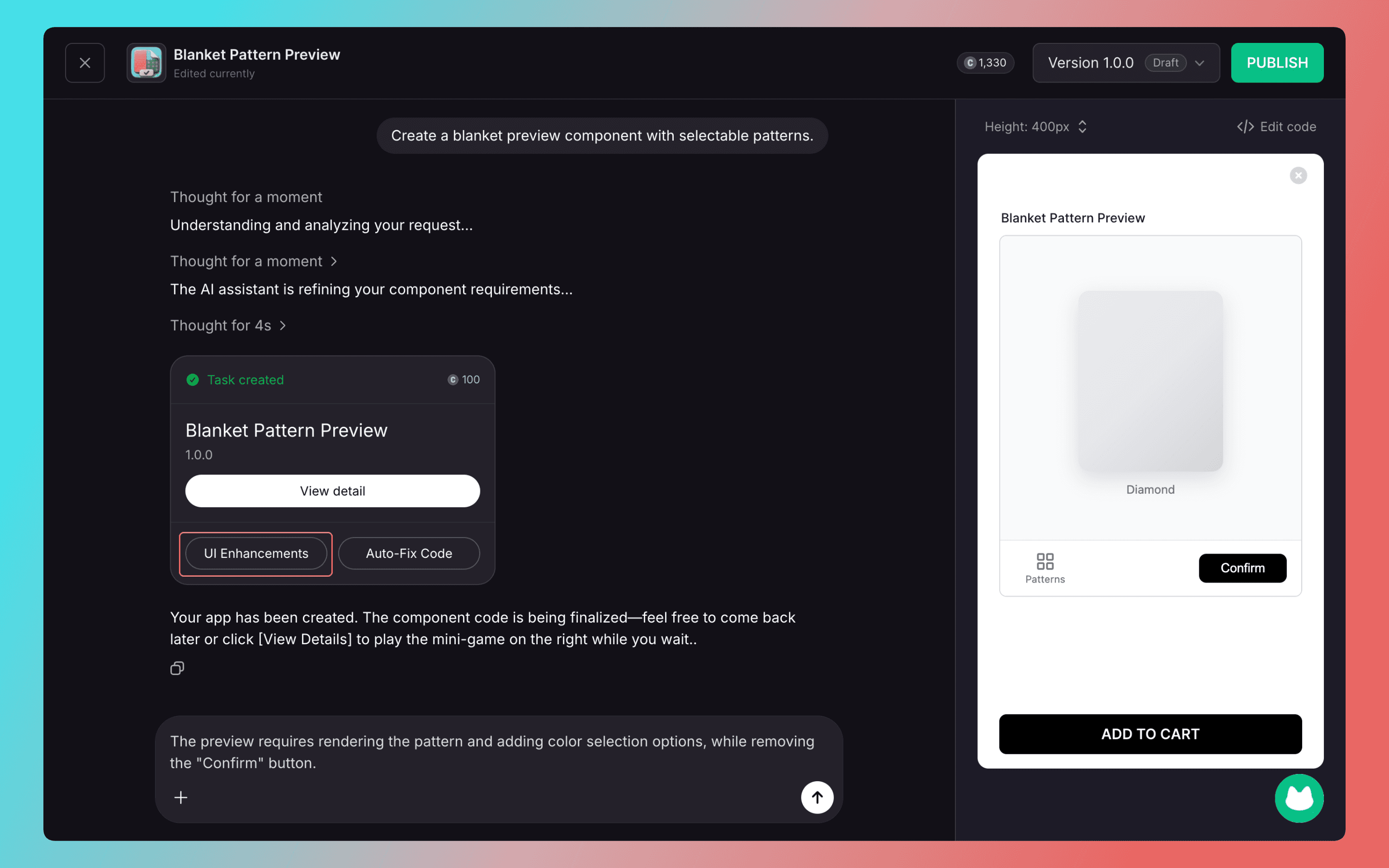
Click UI Enhancements, and AI will automatically optimize creative interfaces and unique interactive effects.
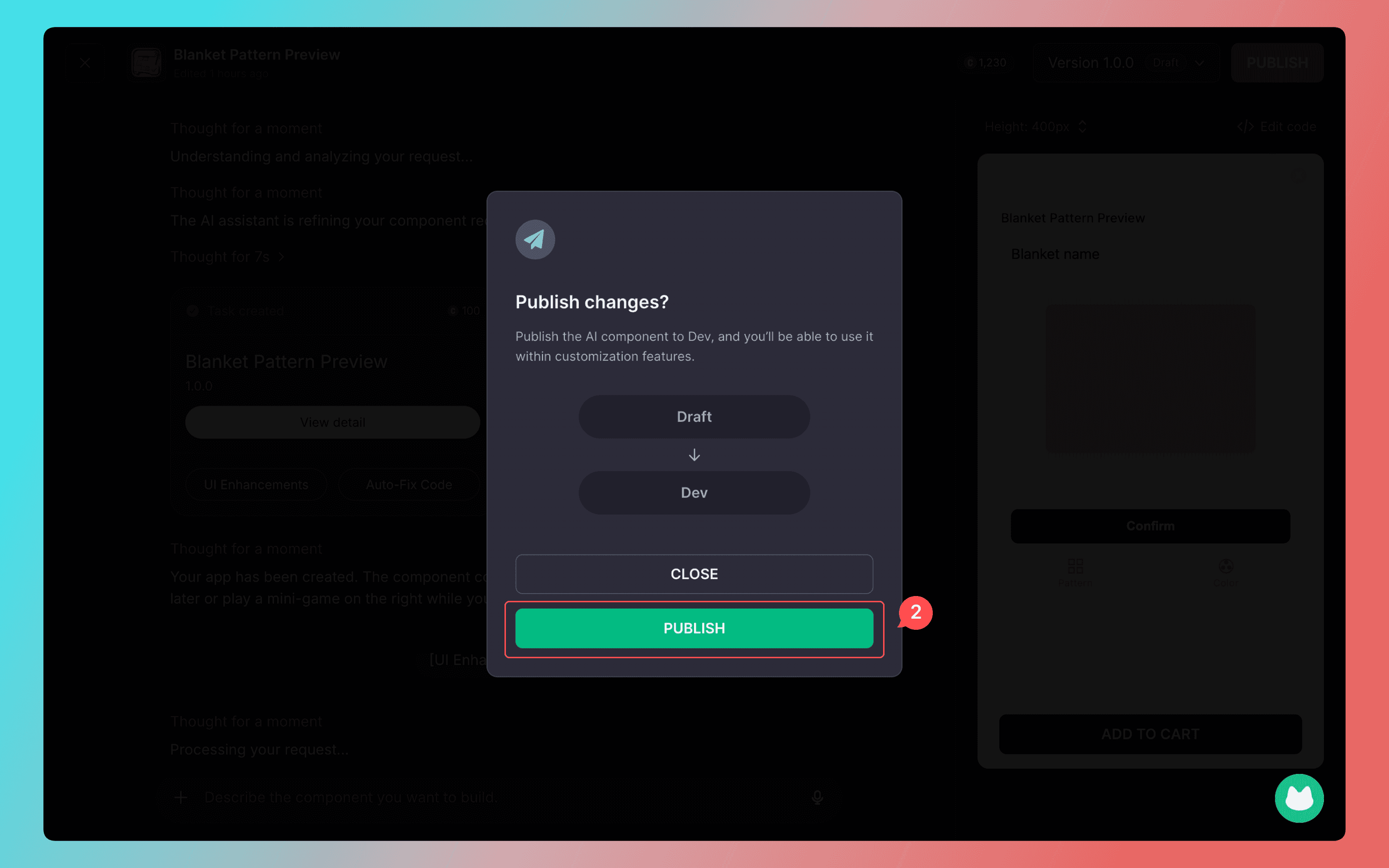
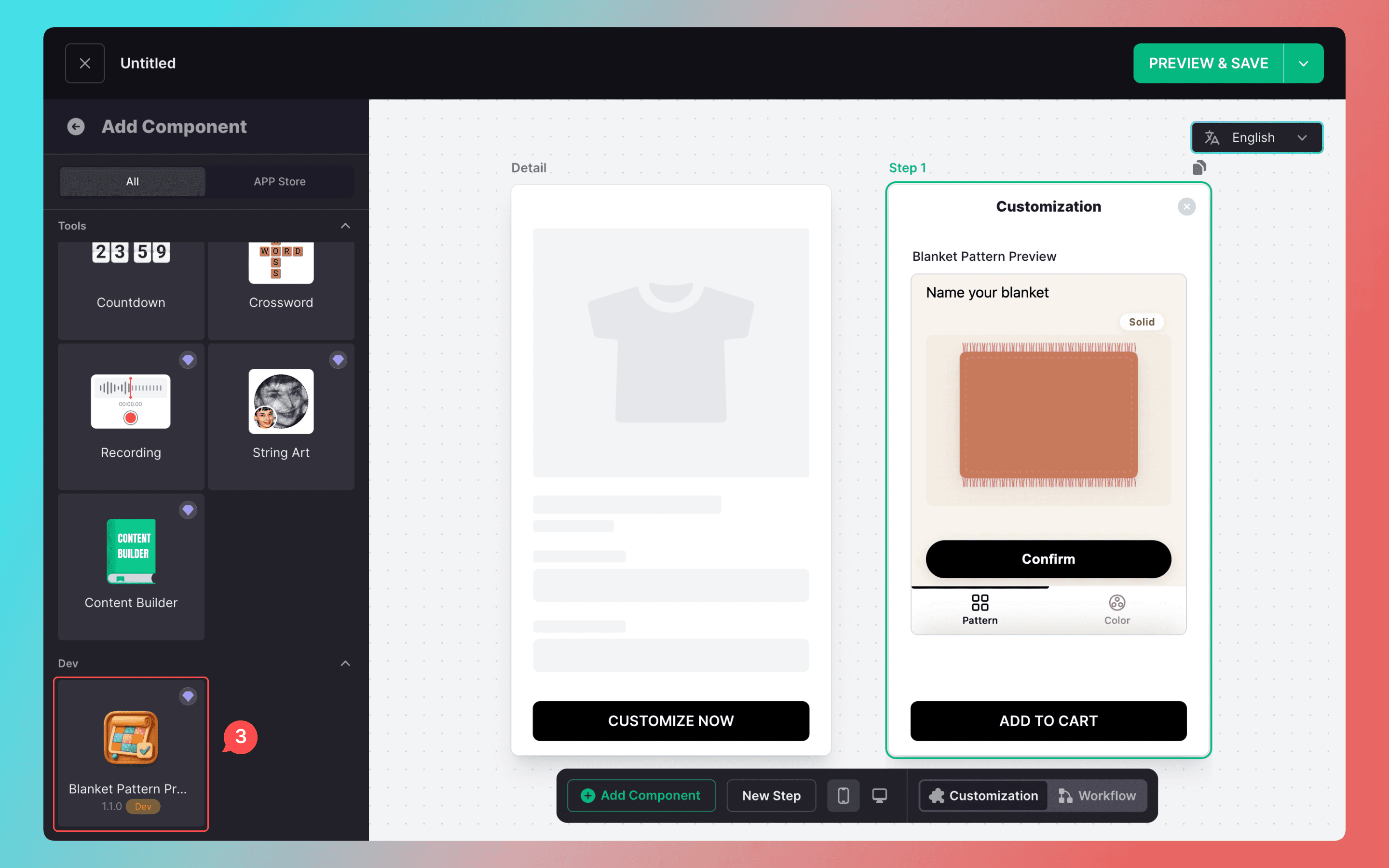
Once the component is created, it can be published directly to the Dev environment. You can then use the latest version in the component list.
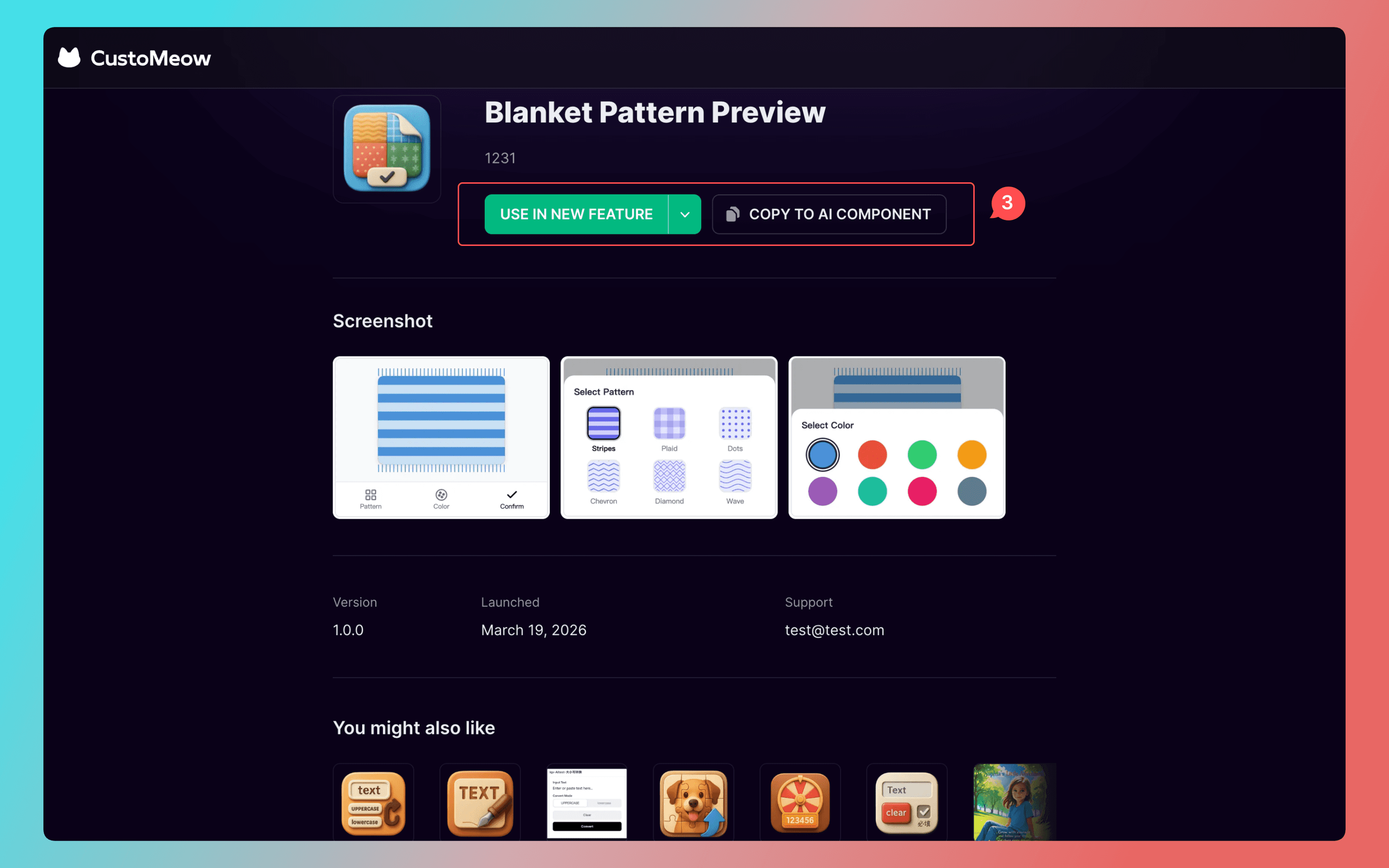
For high-quality application components, you can use them directly for free from the component store. If you want to modify a store component into your own, you can copy it and have AI continuously optimize it through the chat.
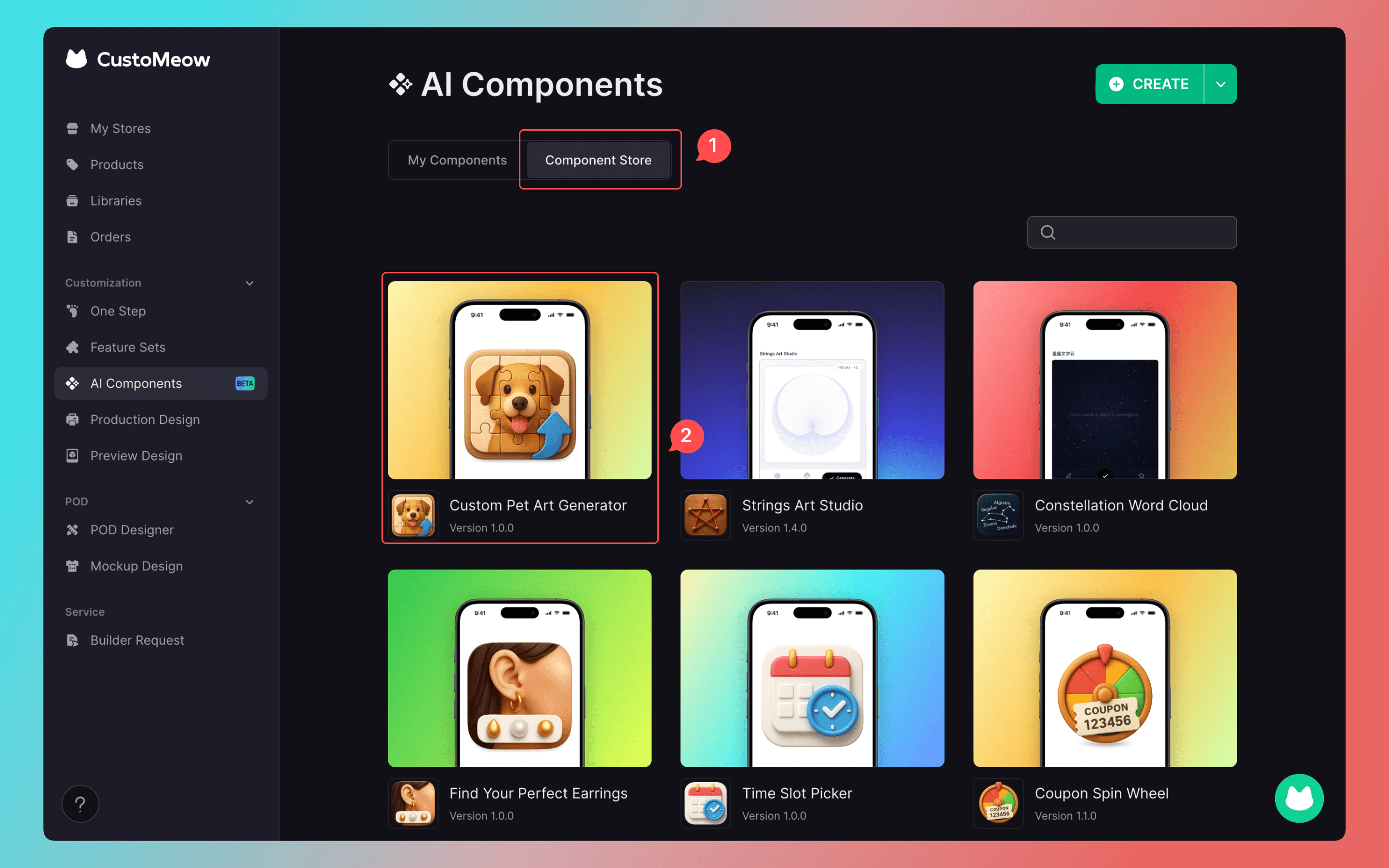
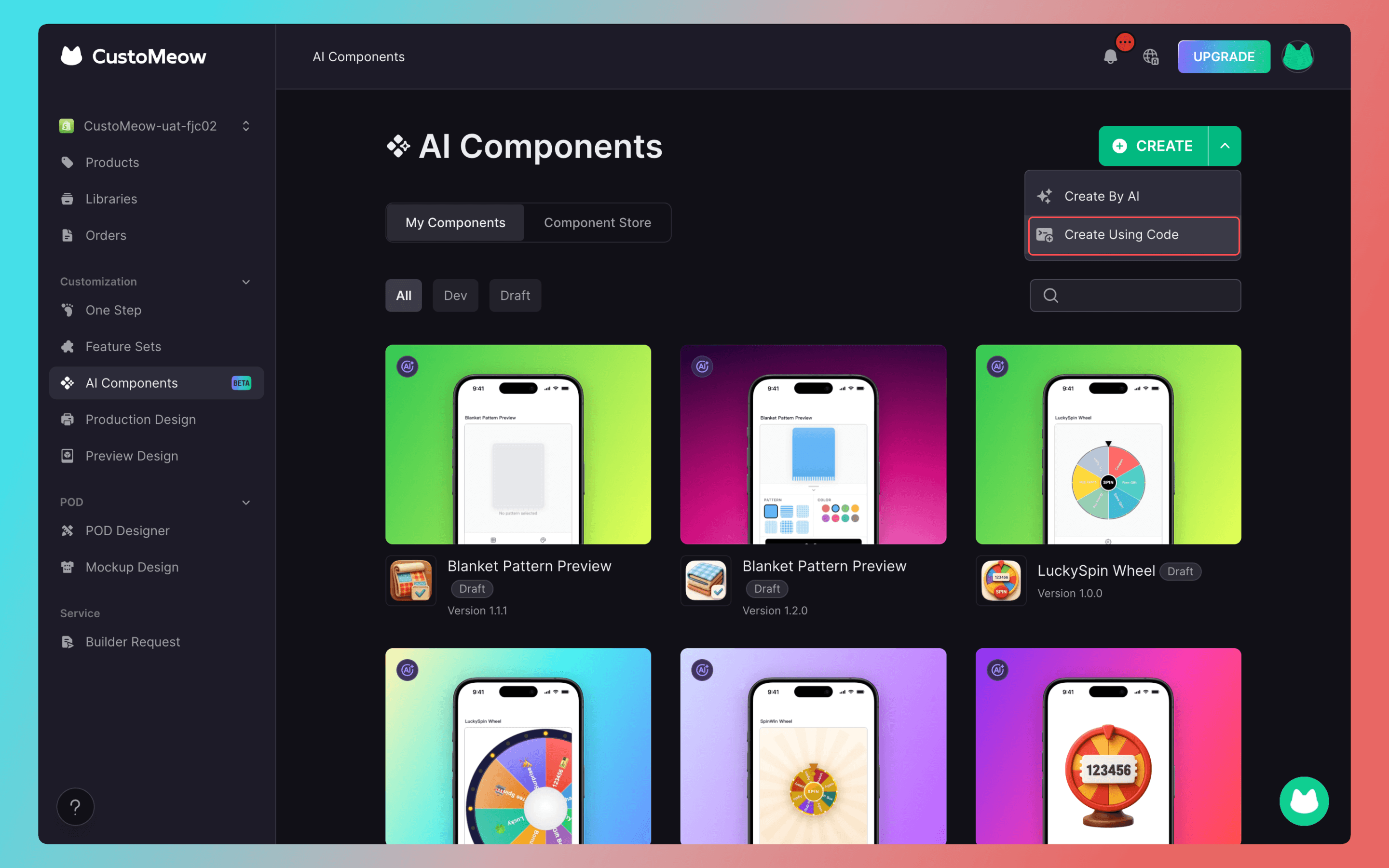
The existing functionality for creating components through code has now been merged into the AI component.
The AI Component lets you turn your ideas into reality, making design and customization simpler than ever before.

